14 Best Field Service Dispatching Software Platforms (2026): Features, Pricing, Pros + Cons

Field service dispatching software helps businesses coordinate technicians, assign jobs, and keep work moving efficiently throughout the day. Whether you manage a small team of electricians or a nationwide fleet of field technicians, the right software can streamline daily operations, reduce travel time, and help your team complete more jobs each day. In this guide, we'll compare the best field service dispatching software platforms, break down their key features, pricing, and ideal use cases, and explain what to look for when choosing a solution.
The best field service dispatching software compared
| Software | Best for | Free trial | Starting price |
| Einpix | Cost-effective maintenance and field service teams | ✔ | From €12/user/month |
| Jobber | Home service businesses | ✔ | From $39/month |
| Housecall Pro | Growing service contractors | ✔ | From $79/month |
| ServiceTitan | Large residential service businesses | Demo | Custom |
| Simpro | Trade and asset-intensive businesses | ✔ | Custom |
| FieldPulse | Customizable workflows | Demo | Custom |
| Service Fusion | Small to mid-sized field service companies | ✔ | From $225/month |
| Workiz | Service businesses with integrated call management | ✔ | From $225/month |
| Kickserv | Small service businesses | ✔ | Free / From $47/month |
| Zuper | Workflow automation | Demo | Custom |
| Microsoft Dynamics 365 Field Service | Microsoft ecosystem | Demo | From $105/user/month |
| Agentforce Field Service | Salesforce ecosystem | Demo | From $50/user/month |
| mHelpDesk | Small and mid-sized service businesses | Demo | Custom |
| ServiceMax | Asset-centric enterprise service organizations | Demo | Custom |
The 14 best field service dispatching software platforms
1. Einpix
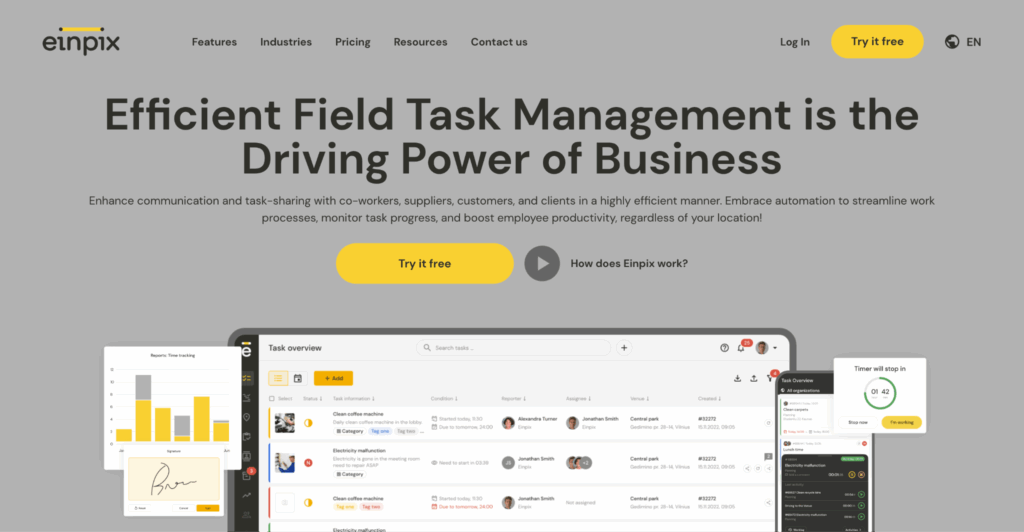
Best for: Cost-effective maintenance and field service management for businesses of all sizes.
What is it?
Einpix is a cloud-based field service management platform that helps businesses manage the entire job lifecycle – from scheduling and dispatching technicians to tracking work orders, managing assets, and generating invoices. Designed for industries such as HVAC, electrical, plumbing, facilities management, and equipment maintenance, it combines essential dispatching tools with broader maintenance management features in a single platform.
Unlike many field service solutions that focus primarily on scheduling, Einpix also supports preventive maintenance planning, asset management, inventory tracking, and customer management. This makes it a strong choice for businesses looking to streamline both reactive service calls and recurring maintenance work without investing in multiple systems.
Key dispatching features
- Centralized job scheduling and technician assignment: Schedule, assign, and reschedule jobs from a centralized calendar, giving dispatchers a clear overview of technician availability and upcoming work. As priorities change throughout the day, jobs can be reassigned quickly to keep technicians productive and customers informed.
- Technician location tracking and route planning: View technician locations to make more informed dispatching decisions and reduce unnecessary travel time. Better route planning helps businesses respond faster to emergency call-outs while improving fuel efficiency and technician utilization.
- Work order management: Create, assign, and track work orders from the initial customer request through to job completion. Keeping all job details, customer information, notes, and status updates in one place helps both office staff and field technicians stay aligned.
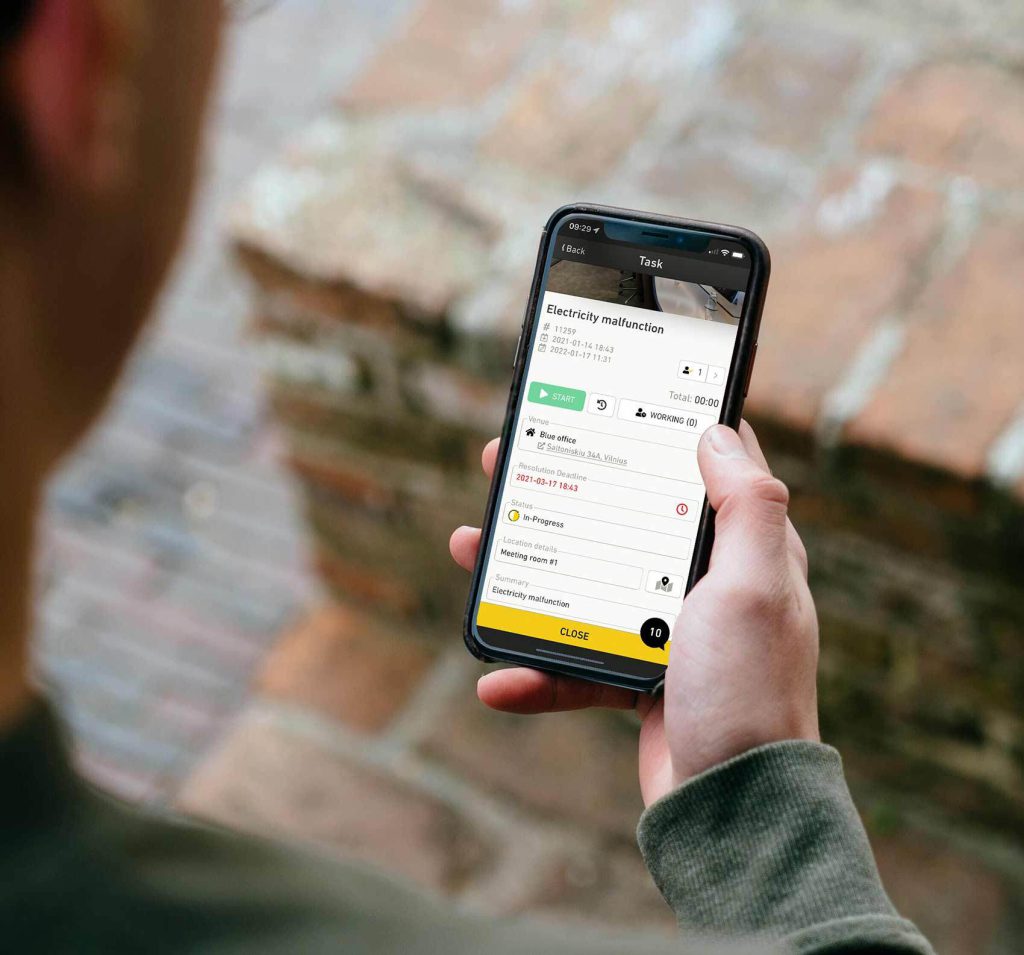
- Mobile app for field technicians: Technicians can receive new jobs, update work statuses, and access customer information directly from the Einpix mobile app. This reduces the need for phone calls back to the office while giving dispatchers real-time visibility into job progress.
- Digital forms, photos, and customer signatures: Capture photos, complete digital checklists, record notes, and collect customer signatures on-site. This creates a complete digital record of each visit while reducing paperwork and speeding up invoicing or compliance processes.
- Preventive maintenance planning: Schedule recurring maintenance alongside reactive service calls from the same platform. This makes it easier to balance planned work with urgent jobs while helping customers reduce equipment downtime.
- Invoicing and reporting: Generate invoices directly from completed work orders and monitor service performance through built-in reporting tools. Keeping dispatching, job management, and billing in one platform reduces manual administration and gives managers better visibility into day-to-day operations.
Pros
- Combines dispatching, maintenance management, and asset tracking in one platform
- Suitable for a wide range of field service industries
- Mobile app keeps office staff and technicians synchronized in real time
- Supports both reactive and preventive maintenance workflows
- Transparent, affordable pricing with a free trial
Cons
- Best suited for teams with 5+ users (entry plan minimum).
Pricing
- Starter: €12/user/month
- Standard: €18/user/month
- Professional: €24/user/month
- 14-day free trial available
2. Jobber
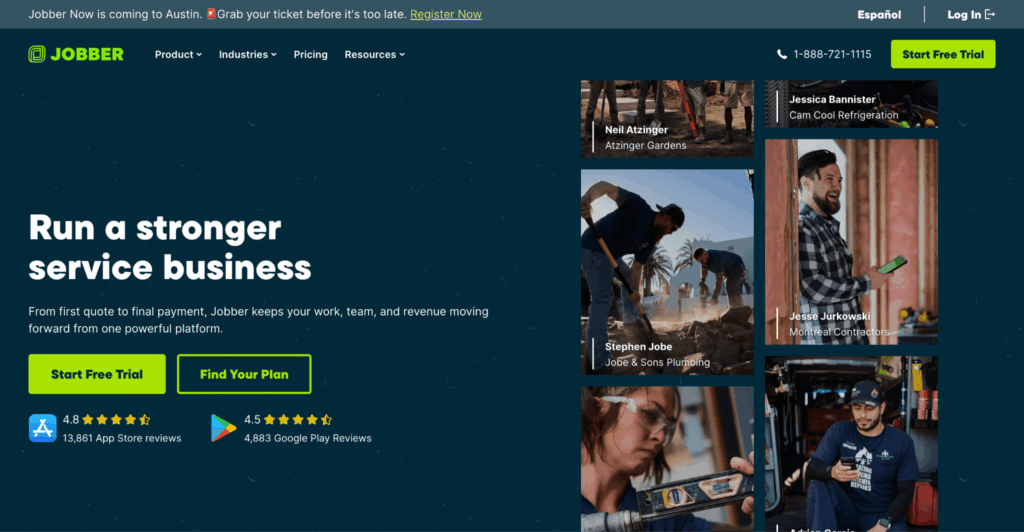
Best for: Small home service businesses looking for an easy-to-use dispatching platform.
What is it?
Jobber is a field service management platform designed for small and growing home service businesses, including plumbers, electricians, HVAC contractors, landscapers, and cleaners. It helps businesses schedule and dispatch technicians, manage customer communication, create quotes and invoices, and oversee day-to-day field operations from a single platform. The intuitive interface and strong mobile app make it particularly well suited to teams looking for an easy-to-use dispatching solution.
Key dispatching features
- Drag-and-drop scheduling: Schedule and reassign jobs using a visual calendar, making it easy to adjust workloads as appointments change.
- Technician dispatching: Assign jobs based on technician availability and notify field staff instantly through the mobile app.
- GPS tracking and route optimization: Monitor technician locations and plan more efficient routes to reduce travel time between jobs.
- Customer communication: Send automated appointment reminders, arrival notifications, and job updates to keep customers informed.
- Mobile field app: Give technicians access to schedules, customer details, job notes, and status updates while they're on the move.
- Quotes, invoicing, and payments: Create estimates, generate invoices, and accept online payments from within the same platform.
Pros
- Very easy to learn and use
- Excellent mobile experience for technicians
- Strong customer communication tools
- Ideal for small and growing service businesses
Cons*
- Maintenance agreements and recurring billing could be more intuitive and flexible.
- Clock in/out, time tracking, and cost analysis features receive consistent criticism from users.
- Reporting and job management tools can feel limited for more complex operations.
*Cons are based on the most frequently cited disadvantages reported by users on G2.
Pricing
From $39/month, with a free trial available.
3. Housecall Pro
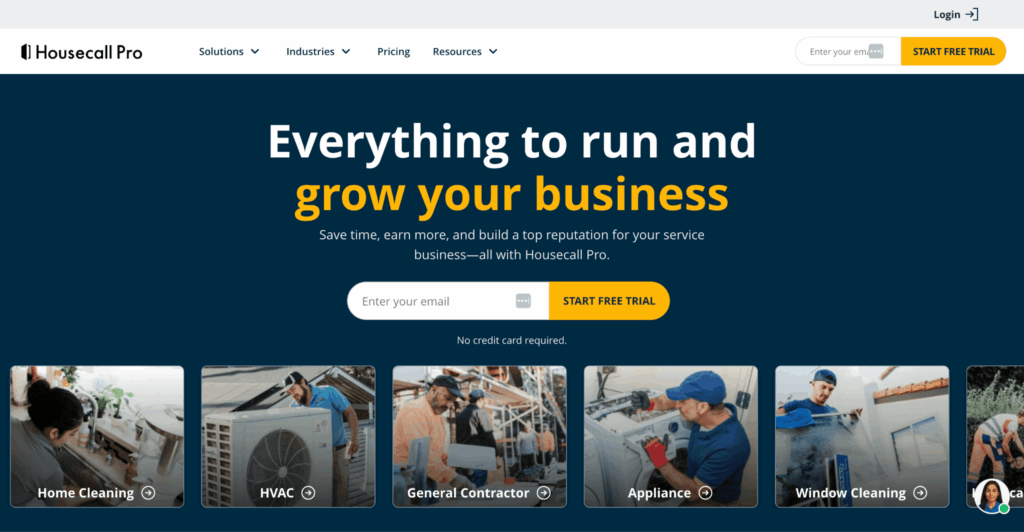
Best for: Residential service businesses that want to combine dispatching, customer communication, and payments in one platform.
What is it?
Housecall Pro is a field service management platform built for home service businesses such as HVAC contractors, plumbers, electricians, cleaners, and landscapers. It helps teams schedule and dispatch technicians, manage customer relationships, send estimates and invoices, collect payments, and automate day-to-day workflows from a single dashboard.
Key dispatching features
- Drag-and-drop scheduling: Organize technician schedules using a visual calendar and quickly reassign jobs when priorities change.
- Technician dispatching: Assign work based on availability and send new jobs directly to technicians through the mobile app.
- GPS tracking: View technician locations in real time to improve dispatching decisions and provide more accurate arrival estimates.
- Customer communication: Automatically send booking confirmations, appointment reminders, and technician-on-the-way notifications.
- Mobile field app: Give technicians access to job details, customer history, invoices, and payment collection tools while on site.
- Automated estimates and invoicing: Generate estimates, convert them into jobs, and create invoices without leaving the platform.
Pros
- Strong automation tools for customer communication
- Excellent mobile experience for technicians
- Integrated estimating, invoicing, and online payments
- Easy-to-use interface for growing home service businesses
Cons*
- Limited customization and scheduling tools can make the platform less suitable for businesses with more complex or industry-specific workflows.
- Costs can rise significantly as businesses add features and contractors.
*Cons are based on the most frequently cited disadvantages reported by users on G2.
Pricing
From $79/month, with a free trial available.
4. ServiceTitan
Best for: Large residential service businesses that need advanced dispatching, reporting, and business management tools.
What is it?
ServiceTitan is an enterprise-grade field service management platform designed for larger residential service businesses, including HVAC, plumbing, electrical, and garage door contractors. It combines dispatching, scheduling, customer management, sales, reporting, and financial tools into a single platform, making it particularly well suited to businesses looking to scale their operations.
Key dispatching features
- Intelligent scheduling and dispatching: Assign technicians based on availability, skills, and location to improve response times and resource utilization.
- Live technician tracking: Monitor technician locations and job progress in real time, helping dispatchers respond quickly to schedule changes.
- Mobile field app: Give technicians access to job details, customer history, forms, estimates, and invoices while working in the field.
- Customer communication: Send automated appointment reminders, technician tracking links, and post-service follow-ups to improve the customer experience.
- Integrated sales tools: Create estimates, present financing options, and convert approved quotes into scheduled jobs without leaving the platform.
- Advanced reporting: Track operational, financial, and technician performance through configurable dashboards and business reports.
Pros
- Comprehensive feature set for growing residential service businesses
- Powerful reporting and business intelligence tools
- Excellent scheduling, dispatching, and customer communication capabilities
- Strong mobile experience for office staff and technicians
Cons*
- Some users report a steep learning curve due to the platform's extensive feature set.
- Customer support receives recurring criticism for slow response times and difficulty resolving more complex issues.
*Cons are based on the most frequently cited disadvantages reported by users on G2.
Pricing
Custom pricing (demo available).
5. Simpro
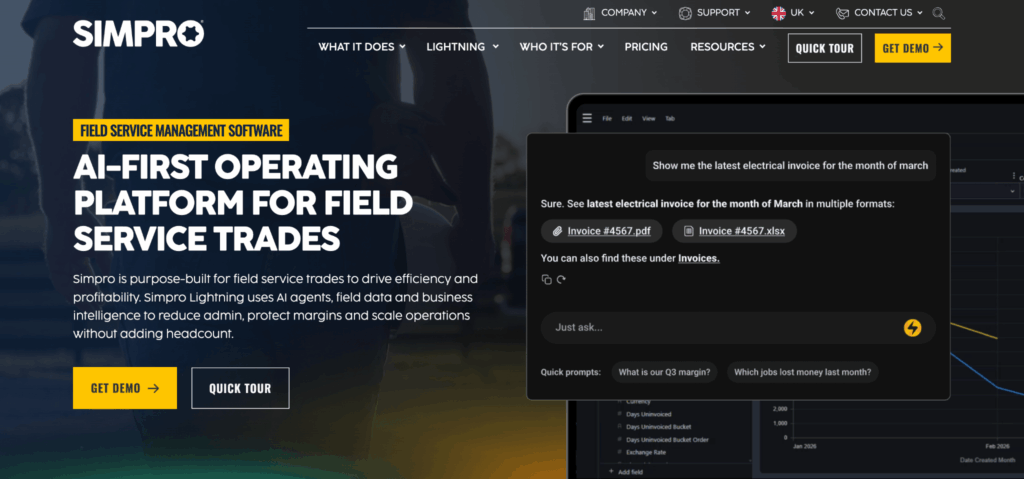
Best for: Trade businesses managing complex projects, assets, and field service operations.
What is it?
Simpro is a field service management platform built for trade and contracting businesses, including electrical, HVAC, plumbing, fire protection, security, and facilities management companies. Alongside scheduling and dispatching, it offers project management, asset maintenance, inventory control, quoting, invoicing, and reporting tools for businesses with more complex operational requirements.
Key dispatching features
- Drag-and-drop scheduling: Assign and reschedule jobs using a visual scheduler that provides a clear overview of technician workloads.
- Technician dispatching: Allocate work based on technician availability, skills, and certifications to improve resource planning.
- Mobile field app: Give technicians access to work orders, customer information, forms, and job updates while working on site.
- GPS tracking: Monitor technician locations and job progress to improve dispatching decisions and customer communication.
- Asset and maintenance management: Manage customer assets and schedule recurring maintenance alongside reactive service work.
- Inventory management: Track materials and parts across jobs to help technicians arrive with the equipment they need.
Pros
- Comprehensive feature set for trade and contracting businesses
- Strong project, asset, and inventory management capabilities
- Flexible scheduling and dispatching tools
- Supports both reactive and preventive maintenance workflows
Cons*
- The platform has a steep learning curve, with users reporting that setup, onboarding, and even day-to-day tasks can feel unnecessarily complex.
*Cons are based on the most frequently cited disadvantages reported by users on G2.
Pricing
Custom pricing (free demo available).
6. FieldPulse
Best for: Small and mid-sized trade businesses looking for customizable field service workflows.
What is it?
FieldPulse is a field service management platform for residential and commercial service businesses, including HVAC, plumbing, electrical, septic, and locksmith companies. It brings scheduling, dispatching, customer management, estimates, invoicing, payments, and team communication into one system, with separate access options for office staff and mobile-only field technicians.
Key dispatching features
- Scheduling and dispatching: Manage jobs through a centralized schedule, assign work to technicians, and adjust appointments as priorities change.
- Automated job assignment: Match jobs to technicians based on factors such as availability, location, and expertise.
- Technician location tracking: Use geolocation data to distribute technicians and equipment more efficiently across appointments.
- Mobile field app: Field technicians can view assigned jobs, access notes, upload files, and clock in and out with location tracking.
- Customer management: Store customer details, communication history, jobs, and payment records in a centralized CRM.
- Estimates and invoicing: Create estimates, convert them into invoices, and manage billing without switching platforms.
- Custom workflows and reporting: Configure workflows around different service operations and monitor performance through built-in reporting tools.
Pros
- Combines dispatching, CRM, estimating, invoicing, and payments in one platform
- Supports both office users and lower-access field-only seats
- Strong customization options for different trades and workflows
- Offers guided onboarding and customer support
Cons*
- Users frequently cite limited customization and missing features as areas for improvement.
- Product updates can occasionally cause usability issues or disrupt established workflows.
*Cons are based on the most frequently cited disadvantages reported by users on G2.
Pricing
FieldPulse uses custom, seat-based pricing. Businesses choose between full-access seats for office and administrative users and field-only seats for technicians working primarily through the mobile app.
7. Service Fusion
Best for: Small to mid-sized service businesses looking for an affordable, all-in-one dispatching solution.
What is it?
Service Fusion is a field service management platform that helps service businesses schedule and dispatch technicians, manage customers, create estimates and invoices, process payments, and track jobs from start to finish. Designed for industries such as HVAC, plumbing, electrical, and appliance repair, it offers a broad feature set without requiring enterprise-level pricing.
Key dispatching features
- Drag-and-drop scheduling: Schedule and reassign jobs through a visual dispatch board to help balance technician workloads.
- Technician dispatching: Assign work based on technician availability and instantly notify field staff through the mobile app.
- GPS fleet tracking: Monitor technician locations in real time to improve dispatching decisions and provide more accurate customer arrival times.
- Mobile field app: Give technicians access to work orders, customer information, photos, and job updates while working on site.
- Customer communication: Send automated appointment reminders, dispatch notifications, and job completion updates.
- Integrated estimates and invoicing: Create estimates, generate invoices, and process customer payments from within the platform.
Pros
- Strong value for businesses wanting an all-in-one field service platform
- Includes VoIP phone integration and GPS fleet tracking
- Unlimited users on every pricing plan
- Straightforward interface that's easy to learn
Cons*
- Users report limitations with data management, including file size restrictions and unreliable inventory tracking.
- Some users find the invoicing workflow restrictive, citing limitations around late fees and rearranging expenses after they've been uploaded.
*Cons are based on the most frequently cited disadvantages reported by users on G2.
Pricing
Plans start from $225/month, with unlimited users included. Free trial available.
8. Workiz
Best for: Home service businesses that want to combine dispatching with integrated call management.
What is it?
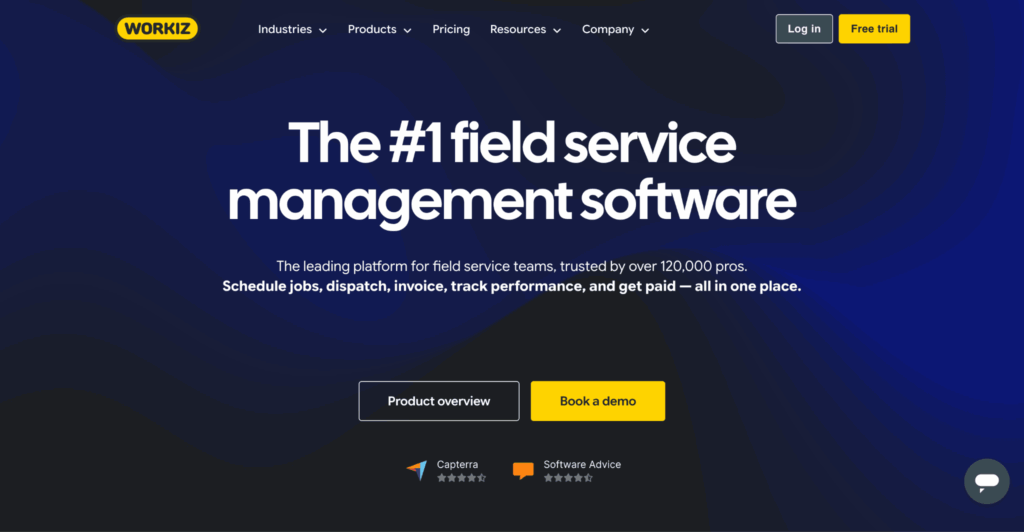
Workiz is a field service management platform designed for home service businesses such as locksmiths, HVAC contractors, plumbers, electricians, and junk removal companies. It combines scheduling, dispatching, CRM, invoicing, payment processing, and call management into a single platform, making it particularly well suited to businesses that rely heavily on inbound customer enquiries.
Key dispatching features
- Drag-and-drop scheduling: Schedule and reassign jobs through a visual calendar, making it easy to adjust workloads throughout the day.
- Technician dispatching: Assign jobs based on technician availability and instantly notify field staff through the mobile app.
- GPS tracking: Monitor technician locations in real time to improve dispatching decisions and provide more accurate customer ETAs.
- Mobile field app: Give technicians access to work orders, customer details, notes, photos, and invoices while working on site.
- Call management: Handle incoming calls, record conversations, and link customer enquiries directly to jobs from within the platform.
- Estimates and invoicing: Create estimates, convert them into invoices, collect payments, and manage customer records in one place.
Pros
- Excellent built-in call management capabilities
- Easy-to-use scheduling and dispatching tools
- Strong mobile experience for technicians
- Combines CRM, payments, and field service management in one platform
Cons*
- Some users find customization options restrictive, particularly when adapting workflows to more complex business requirements.
- Users report that the mobile app's navigation, user interface, and overall functionality could be more intuitive.
*Cons are based on the most frequently cited disadvantages reported by users on G2.
Pricing
Plans start from $225/month, with a free trial available.
9. Kickserv
Best for: Small service businesses looking for an affordable, easy-to-use dispatching platform.
What is it?
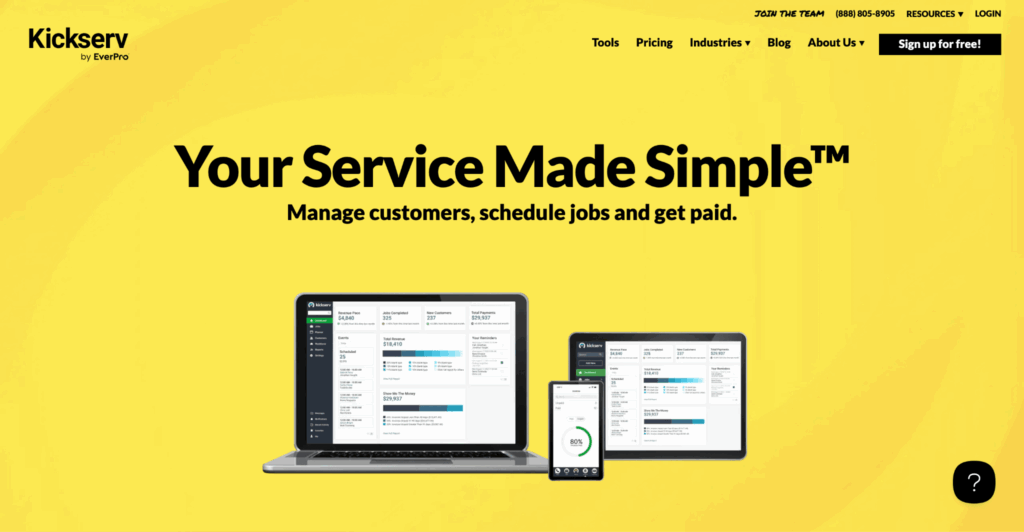
Kickserv is a field service management platform built for small service businesses, including HVAC, plumbing, electrical, cleaning, pest control, and landscaping companies. It combines scheduling, dispatching, customer management, estimates, invoicing, payments, and reporting in a straightforward platform that's designed to help businesses manage their daily operations with minimal complexity.
Key dispatching features
- Job scheduling and dispatching: Schedule, assign, and reschedule work through a centralized calendar, helping dispatchers balance technician workloads throughout the day.
- Technician management: Assign jobs to field staff based on availability and keep technicians updated through the mobile app.
- Mobile field app: Give technicians access to work orders, customer details, notes, photos, and job status updates while working on site.
- Customer management: Store customer records, service history, estimates, invoices, and communications in one place.
- Estimates and invoicing: Create estimates, convert them into jobs, generate invoices, and collect customer payments from the same platform.
- Recurring services: Schedule repeat visits for maintenance contracts and ongoing customer work.
Pros
- Easy to learn and quick to implement
- Affordable pricing for small businesses
- Strong scheduling, dispatching, and recurring service management
- Combines CRM, quoting, invoicing, and payments in one platform
Cons*
- Users report that reporting and customization options could offer greater flexibility.
- Some users find the scheduling calendar cumbersome to navigate, with recurring issues around calendar syncing.
*Cons are based on the most frequently cited disadvantages reported by users on G2.
Pricing
Plans start with a free tier for very small businesses, with paid plans available from $47/month.
10. Zuper
Best for: Growing service businesses that want highly customizable dispatching and workflow automation.
What is it?
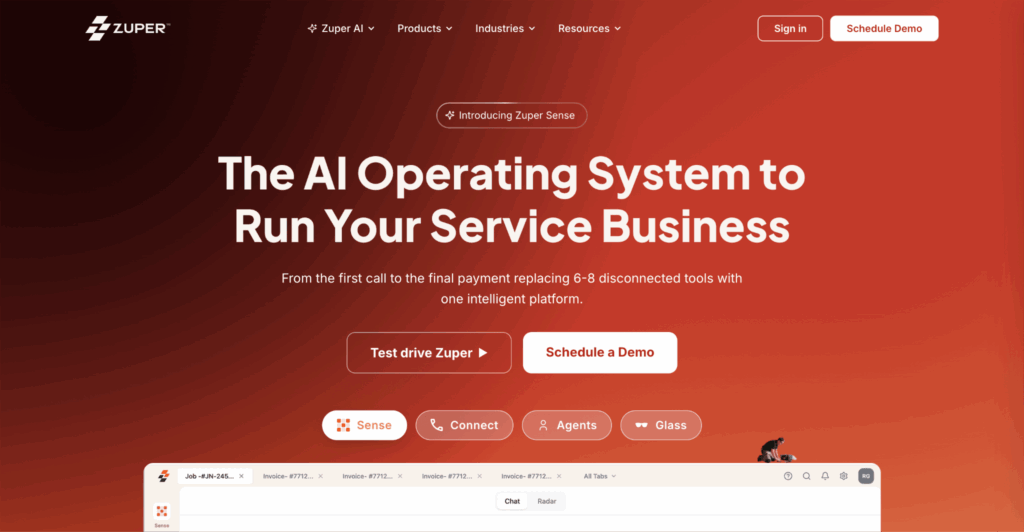
Zuper is a field service management platform designed for businesses that need flexible scheduling, dispatching, asset management, customer communication, and workflow automation. It supports a wide range of industries, including residential services, facilities management, medical equipment servicing, and IT field operations, making it a strong choice for organizations with more complex service workflows.
Key dispatching features
- Smart scheduling and dispatching: Assign jobs based on technician availability, skills, location, and workload to improve scheduling efficiency.
- Drag-and-drop job management: Reassign appointments quickly through a visual scheduling interface as priorities change throughout the day.
- Live technician tracking: Monitor technician locations and job progress in real time to improve dispatching decisions and customer communication.
- Mobile field app: Give technicians access to work orders, customer information, asset history, forms, photos, and signatures while working in the field.
- Workflow automation: Automate job assignments, notifications, approvals, and follow-up tasks to reduce manual administration.
- Asset and maintenance management: Track customer assets and schedule recurring maintenance alongside reactive service work.
Pros
- Highly configurable workflows and automation
- Strong asset management capabilities
- Excellent integration with third-party business systems
- Suitable for a wide range of service industries
Cons*
- Users report bugs and limitations with parts integration and time entry functionality.
- The platform has a noticeable learning curve, with some first-time users finding it difficult to navigate and configure.
*Cons are based on the most frequently cited disadvantages reported by users on G2.
Pricing
Custom pricing (demo available).
11. Microsoft Dynamics 365 Field Service
Best for: Enterprise organizations already using the Microsoft ecosystem.
What is it?
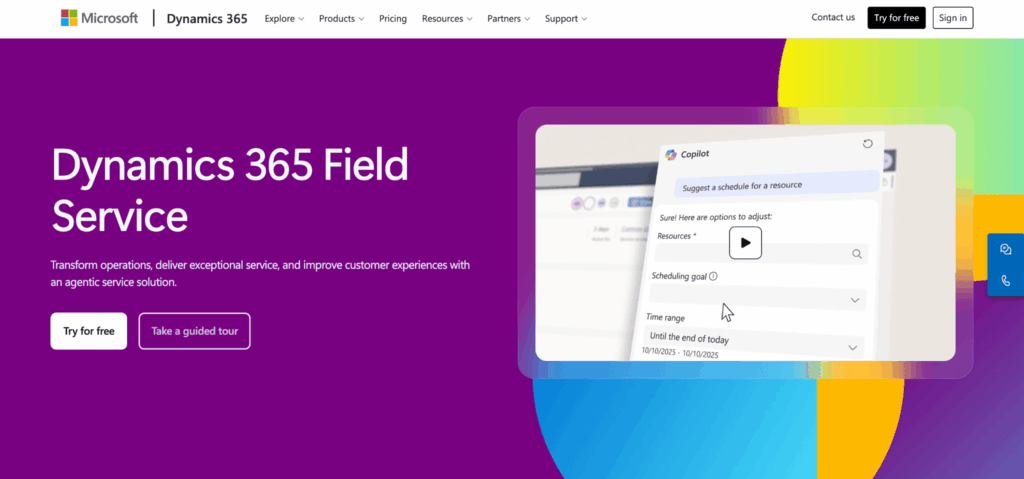
Microsoft Dynamics 365 Field Service is an enterprise field service management platform that helps businesses schedule and dispatch technicians, manage work orders, track assets, and automate service operations. As part of the wider Dynamics 365 suite, it's particularly well suited to organizations that already rely on Microsoft products such as Microsoft 365, Teams, Power BI, and Power Platform.
Key dispatching features
- AI-assisted scheduling and dispatching: Automatically assign jobs based on technician availability, skills, location, and travel time to improve scheduling efficiency.
- Resource scheduling optimization: Optimize technician routes and workloads to reduce travel time and improve first-time fix rates.
- Mobile field app: Give technicians access to work orders, customer information, asset history, inspections, and knowledge articles while working in the field.
- Real-time work order management: Track job progress from dispatch through to completion, with live updates between office staff and field technicians.
- Asset management: Monitor customer assets, maintenance history, warranties, and connected IoT devices from a centralized platform.
- Microsoft ecosystem integration: Connect seamlessly with Microsoft 365, Teams, Outlook, Power BI, and other Dynamics 365 applications.
Pros
- Excellent integration with the Microsoft ecosystem
- Advanced scheduling and resource optimization
- Comprehensive asset and work order management
- Highly scalable for enterprise organizations
Cons*
- Setup, configuration, and customization can be complex and time-consuming, particularly during initial implementation.
- Some users report feature limitations that make it harder to tailor the platform to their operational requirements.
*Cons are based on the most frequently cited disadvantages reported by users on G2.
Pricing
From $105/user/month for the Field Service licence, with additional licensing available for contractors, resource scheduling, and broader Dynamics 365 applications.
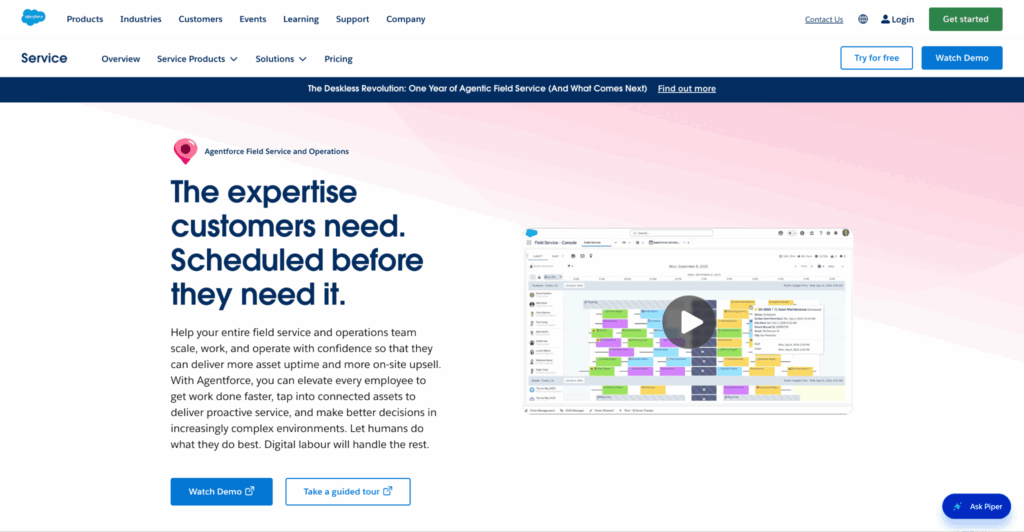
12. Agentforce Field Service
Best for: Enterprise organizations running complex field service operations.
What is it?
Agentforce Field Service is Salesforce's enterprise field service management platform, built on the Salesforce CRM. It helps businesses schedule and dispatch technicians, manage work orders, track assets, automate customer communication, and optimize field operations using AI-powered workflows, making it a strong choice for organizations already invested in the Salesforce ecosystem.
Key dispatching features
- AI-powered scheduling and dispatching: Automatically assign jobs based on technician skills, availability, travel time, and service priorities, with AI-powered recommendations through Agentforce.
- Resource optimization: Balance technician workloads and optimize travel routes to improve productivity and response times.
- Mobile field app: Give technicians access to work orders, customer records, knowledge articles, forms, and asset histories while working on site.
- Real-time job tracking: Monitor technician progress and work order status from dispatch through to completion.
- Customer self-service: Let customers book appointments, track technician arrival times, and receive automated service updates.
- Asset and service history: Maintain detailed records of customer equipment, maintenance history, warranties, and previous service visits.
Pros
- Powerful scheduling and dispatching capabilities
- Excellent integration with the Salesforce platform
- Strong automation and workflow customization
- Highly scalable for large field service organizations
Cons*
- The platform has a steep learning curve, with users reporting that the interface and overall user experience can take time to get used to.
- Setup, configuration, and customization can be complex, with some businesses requiring partner or expert support during implementation.
*Cons are based on the most frequently cited disadvantages reported by users on G2.
Pricing
From $50/user/month (Contractor Plus) or $165/user/month (Dispatcher), with enterprise plans available on request.
13. mHelpDesk
Best for: Small and mid-sized service businesses looking for an easy-to-use dispatching and job management platform.
What is it?
mHelpDesk is a field service management platform designed for service businesses such as HVAC contractors, plumbers, electricians, cleaning companies, and general contractors. It combines scheduling, dispatching, customer management, quoting, invoicing, payment processing, and mobile job management in a single platform, helping businesses manage the entire service lifecycle.
Key dispatching features
- Job scheduling and dispatching: Schedule, assign, and reschedule jobs through a centralized dispatch calendar to keep technicians organized throughout the day.
- Mobile field app: Give technicians access to work orders, customer information, notes, photos, and job status updates while working on site.
- Customer management: Store customer details, service history, estimates, invoices, and communications in one centralized CRM.
- GPS tracking: Monitor technician locations to improve dispatching decisions and provide customers with more accurate arrival estimates.
- Estimates and invoicing: Create quotes, convert them into jobs, generate invoices, and accept payments from within the platform.
- Recurring work orders: Schedule recurring maintenance visits and automate repeat service appointments for contract customers.
Pros
- Easy to learn and implement
- Combines dispatching, CRM, quoting, and invoicing in one platform
- Supports recurring work orders and maintenance contracts
- Strong mobile functionality for field technicians
Cons*
- Users report limited features and integration options, making the platform less suitable for more complex workflows.
- Customer support receives recurring criticism, with some users reporting slow or inadequate assistance when issues arise.
*Cons are based on the most frequently cited disadvantages reported by users on G2.
Pricing
Custom pricing (available on request).
14. ServiceMax
Best for: Asset-centric field service organizations managing complex equipment and maintenance operations.
What is it?
ServiceMax is an enterprise field service management platform designed for manufacturers and service organizations that maintain high-value equipment. It combines scheduling, dispatching, asset management, preventive maintenance, inventory control, and service analytics to help businesses maximize equipment uptime and improve technician productivity.
Key dispatching features
- AI-assisted scheduling and dispatching: Assign technicians based on skills, availability, location, and service priorities to improve resource utilization.
- Mobile field app: Give technicians access to work orders, asset history, service manuals, parts information, and customer records while working in the field.
- Asset management: Track customer equipment, warranties, maintenance history, and service contracts from a centralized platform.
- Preventive maintenance scheduling: Automate recurring maintenance visits to reduce equipment downtime and improve contract compliance.
- Parts and inventory management: Track inventory levels, manage spare parts, and ensure technicians have the right components before arriving on site.
- Service reporting and analytics: Monitor technician performance, asset reliability, and service KPIs through configurable dashboards and reports.
Pros
- Excellent asset and equipment lifecycle management
- Strong preventive maintenance capabilities
- Comprehensive scheduling and dispatching tools
- Well suited to manufacturers and enterprise service organizations
Cons*
- The platform has a steep learning curve, with users reporting that the interface can be difficult to navigate.
- Users report performance and connectivity issues, particularly when working in low-network or remote environments.
*Cons are based on the most frequently cited disadvantages reported by users on G2.
Pricing
Custom pricing (available on request).
Features to look for in field service dispatching software
Not every dispatching platform offers the same capabilities. If you're comparing software, look beyond basic scheduling and focus on features that will help your team work more efficiently as your business grows.
Centralized scheduling and dispatching
A centralized dispatch board makes it easier to assign jobs, balance technician workloads, and respond quickly when appointments change. Drag-and-drop scheduling and live calendar updates can significantly reduce administrative work for dispatchers.
Real-time technician tracking
GPS tracking gives dispatchers visibility into technician locations throughout the day, helping them assign urgent jobs to the nearest available engineer and provide customers with more accurate arrival times.
Mobile app for field technicians
A good mobile app should let technicians receive new jobs, update work orders, capture photos, collect customer signatures, and access service history without needing to contact the office.
Automated customer communication
Automated appointment reminders, technician tracking links, and follow-up notifications improve the customer experience while reducing inbound phone calls to your office.
Work order management
Dispatching works best when it's connected to the wider service workflow. Look for software that lets you create, assign, track, and complete work orders from a single platform, keeping office staff and technicians working from the same information.
Reporting and performance analytics
Built-in reporting helps you monitor technician utilization, response times, first-time fix rates, and other KPIs that highlight opportunities to improve operational efficiency.
Preventive maintenance scheduling
If you manage ongoing service contracts, recurring maintenance scheduling allows you to plan future visits automatically while balancing preventive work alongside reactive call-outs.
How to choose the right field service dispatch software
The best dispatching software depends on the size of your business, the complexity of your workflows, and the way your technicians operate in the field.
Before making a decision, consider the following:
- Identify your operational priorities: Decide whether your biggest challenge is scheduling, dispatching, customer communication, preventive maintenance, or reporting, and prioritize software that addresses those needs.
- Think about future growth: Choose a platform that can scale with your business, whether you're adding technicians, opening new locations, or expanding your service offering.
- Evaluate the mobile experience: Your technicians will use the mobile app every day, so it should be intuitive, reliable, and support the tasks they perform on site.
- Consider integrations: Check whether the software integrates with your accounting, CRM, payment processing, and other business systems to reduce manual data entry.
- Review real user feedback: Product demos highlight strengths, but customer reviews often reveal limitations around usability, support, reporting, and implementation. Comparing both gives a more balanced picture before you commit.
Conclusion
The best field service dispatching software doesn't just assign jobs – it helps your entire operation run more efficiently. From intelligent scheduling and live technician tracking to mobile work orders and automated customer communication, the right platform can reduce travel time, improve first-time fix rates, and give dispatchers greater visibility over every job.
While every platform in this guide offers strong dispatching capabilities, Einpix stands out for businesses looking for an affordable, all-in-one solution. Alongside centralized scheduling and dispatching, it combines work order management, preventive maintenance, asset tracking, inventory management, invoicing, and reporting in a single platform – making it a practical choice for businesses that want to streamline their entire field service operation rather than manage multiple disconnected systems.
👉 You can explore all of Einpix's features with a 14-day free trial before choosing the plan that best fits your business.
Frequently asked questions
What is field service dispatching software?
Field service dispatching software helps businesses assign jobs to technicians, schedule appointments, monitor job progress, and coordinate field staff from a centralized platform. Most solutions also include features such as mobile apps, work order management, customer communication, and reporting.
What's the difference between field service dispatching software and field service management software?
Field service dispatching software focuses primarily on scheduling jobs and assigning technicians. Field service management (FSM) software includes dispatching but also covers broader operational tasks such as work order management, preventive maintenance, asset tracking, inventory management, customer relationship management (CRM), invoicing, and business reporting.
Which industries use field service dispatch software?
Field service dispatch software is used across many industries that manage technicians working on customer sites, including HVAC, plumbing, electrical, facilities management, property maintenance, fire and security, telecommunications, landscaping, cleaning, pest control, and equipment maintenance.
Can small businesses benefit from field service dispatching software?
Yes. Even small teams can benefit from dispatching software by reducing manual scheduling, improving technician productivity, and providing better visibility over daily jobs. Many platforms also automate customer communication, invoicing, and reporting, helping businesses save time as they grow.
Does field service dispatch software include GPS tracking?
Many field service dispatching platforms include GPS tracking or real-time technician location features. This allows dispatchers to assign jobs more efficiently, provide customers with accurate arrival times, and reduce unnecessary travel between appointments.
What is the best field service dispatching software?
The best software depends on your business size and operational requirements. Larger organizations may prioritize enterprise platforms with advanced automation and AI-powered scheduling, while smaller businesses often prefer solutions that are easier to implement and more affordable. For businesses looking for a balance of dispatching, maintenance management, asset tracking, and transparent pricing, Einpix is one of the strongest all-round options.