Try it free
Back to the home page

Security systems installation & Maintenance

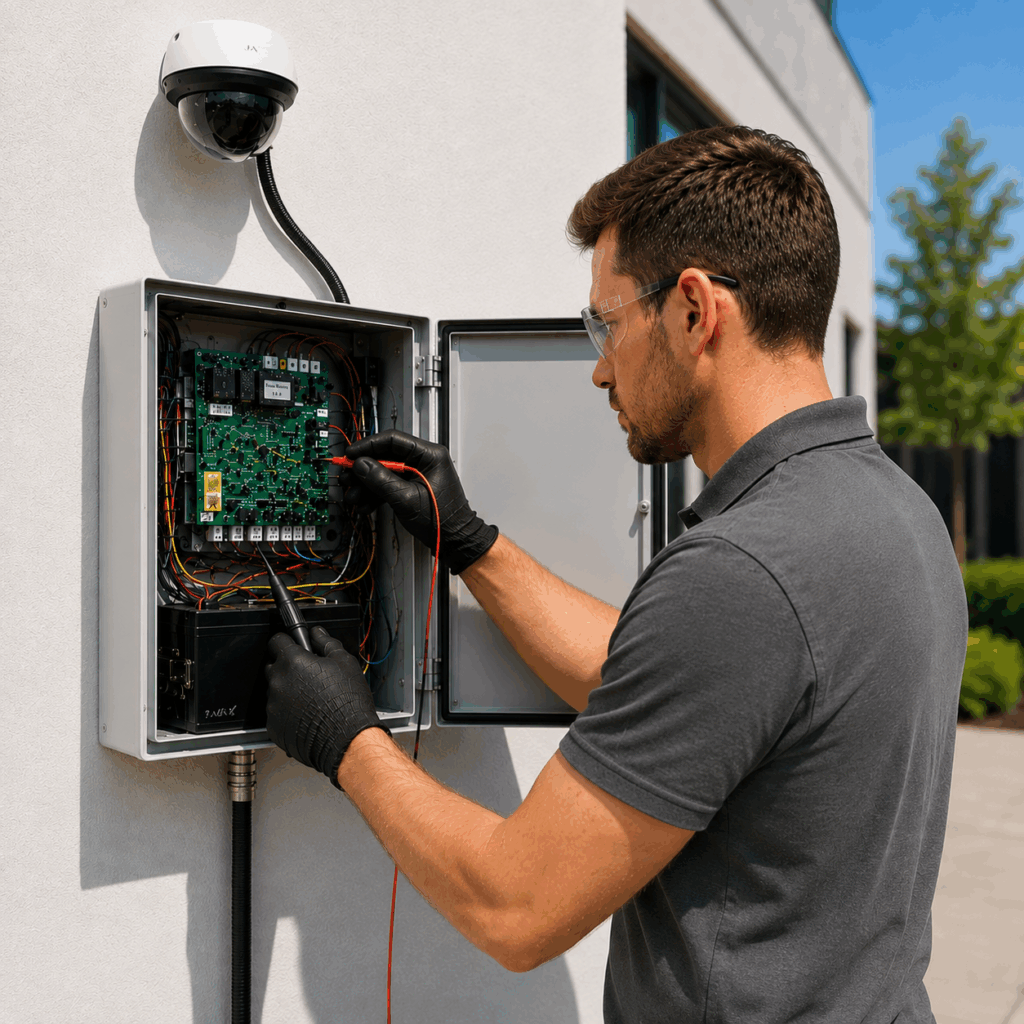
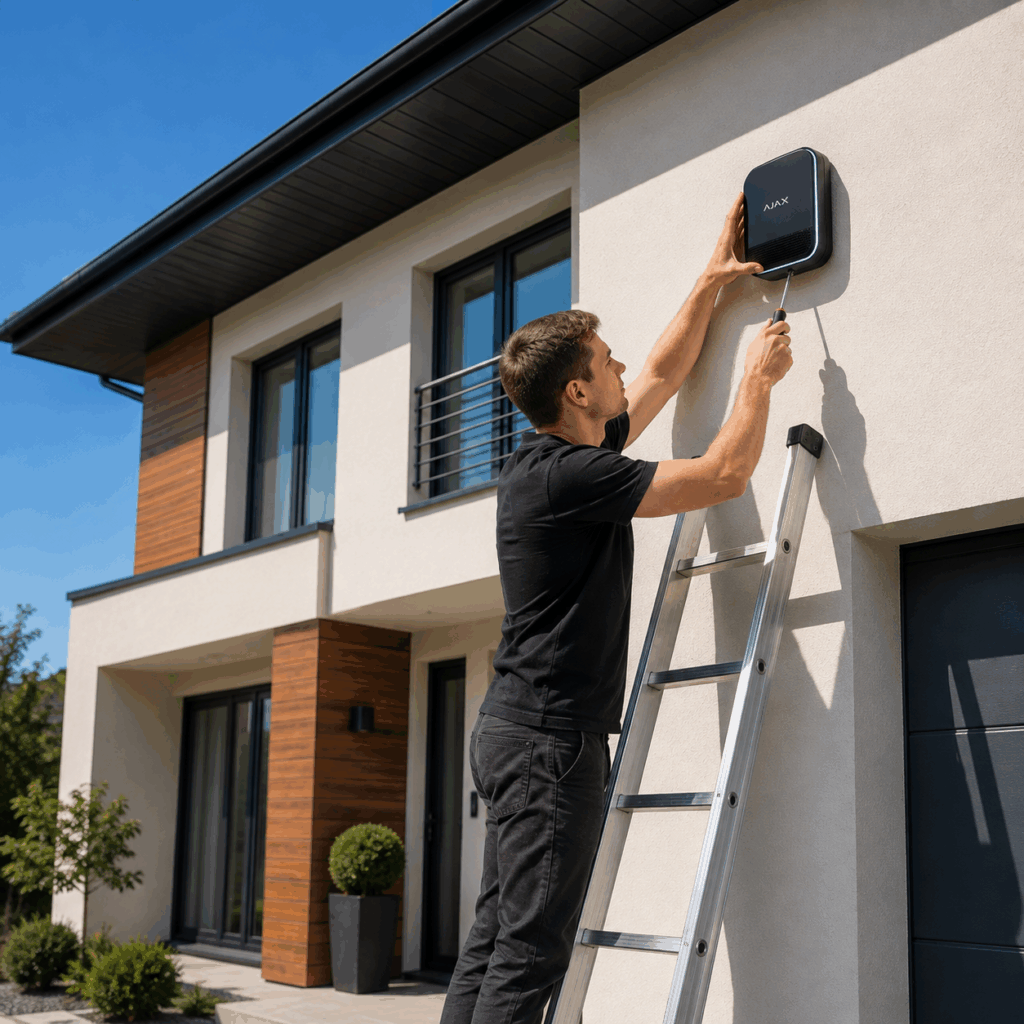
Manage security systems installation, service and maintenance in one platform for CCTV, access control, intrusion alarm and other electronic security equipment. Register customer requests and equipment faults, create and assign work orders to technicians or contractors, set priorities and deadlines, and track installation, inspection, repair and maintenance work in real time. Plan scheduled, recurring and preventive maintenance for customer sites and installed security equipment to ensure inspections and service visits are completed on time. Link tasks, faults, repairs and maintenance activities to specific equipment and maintain a complete equipment service and maintenance history, including previous work, faults, repairs, photos and documents. Give field technicians access to equipment instructions, manuals, technical documents and video materials directly on site, helping them diagnose faults and complete installation and maintenance work with the required information at hand. Use digital checklists to standardise CCTV, alarm and access control installation, commissioning, inspection and maintenance procedures and ensure required steps are completed in the field. Schedule technicians and manage workloads, use time tracking to record working time on service jobs, and view technician locations on a real-time map to coordinate field teams and urgent service requests. Plan routes and navigation between customer sites to help technicians move efficiently between scheduled jobs. Record completed work, used materials and equipment, attach photos and documents, prepare digital service documentation and work statements, and collect customer confirmation or signature when required. Manage equipment and inventory, track SLA and response times, and coordinate internal teams, suppliers and external contractors throughout the service process. With offline access, technicians can continue working at sites with limited connectivity. Einpix brings together security system installation, equipment maintenance and field service management for companies installing and servicing CCTV, alarm, access control and other electronic security systems.
Security systems installation & Maintenance

Use Einpix for:

  • Security systems installation, service and maintenance;
  • CCTV installation, service and maintenance;
  • Alarm system installation, service and maintenance;
  • Access control system installation and maintenance;
  • Security equipment fault and repair management;
  • Scheduled, recurring and preventive maintenance;
  • Equipment service and maintenance history;
  • Equipment instructions, manuals and video materials for field technicians;
  • Installation, commissioning and inspection workflows;
  • Digital installation, inspection and maintenance checklists;
  • Technician scheduling and workload management;
  • Technician time tracking;
  • Real-time technician location map;
  • Field route planning and navigation;
  • Service documentation, materials and digital customer confirmation;
  • Equipment and inventory management;
  • SLA and response time tracking;
  • Assigning work to technicians and contractors;
  • Supplier and contractor collaboration;
  • Complete installation, service and maintenance history;
  • Offline field work.
Security systems installation & Maintenance

Frequently asked questions

Einpix is field service management software for companies installing and servicing CCTV, intrusion alarms, access control and other electronic security systems. You can manage installation work, routine servicing and fault callouts, assign technicians or contractors, and keep records for each customer site. Work orders, photographs, documents and maintenance history remain linked to the relevant site and/or equipment.

Create tasks for the work needed at each site, such as fitting cameras, installing readers, testing connections and completing handover checks. Each task can have its own assignee, planned dates, instructions and supporting documents. The office can follow progress across sites while technicians record completed work and outstanding issues. Installation records remain available when the equipment later needs servicing.

Yes. Recurring tasks let you plan service visits for different sites and types of security equipment. Set the schedule around the maintenance requirements agreed with the customer and attach the relevant checklist or instructions. Planned visits and new fault callouts can be viewed together, so dispatchers can adjust the workload without losing track of inspections still due.

When a customer reports a failed camera or access-control fault, the dispatcher can check technician locations and current availability on the real-time map. Live traffic conditions help assess the journey, since the closest technician may be busy or held up in congestion. In the Dispatch planner, the dispatcher can assign the urgent repair, move a planned visit or redistribute work between technicians while keeping the remaining appointments in view. Together, the map and planner help the team respond sooner, avoid unnecessary travel and see which other jobs need to be rescheduled. Technician locations are shown while active time tracking is in use.

Yes. Tasks can carry priorities, planned dates and SLA response and resolution deadlines. Supervisors can follow the status of a reported camera, alarm or access-control fault and see which jobs need attention. Keeping the deadline with the assigned task makes it easier to coordinate the repair and review whether the agreed service times were met.

Equipment records and related tasks keep previous faults, inspections, repairs, photographs and technical documents together. Before attending a repeat callout, the technician can review what was checked or replaced during the last visit. Manuals, instructions and other available technical materials can also be accessed on site, rather than requested again from the office.

Yes. A task or defect can be marked on a 2D building plan and accompanied by photographs, comments and documents. For a camera in a large warehouse or a reader beside one of several entrances, the plan gives the next technician a more precise reference than a written description alone. The assigned work and its updates stay with the task.

Create digital checklists for the work your team performs, such as camera checks, alarm testing or access-control commissioning. Technicians record results, observations and photographs against the relevant items. Mandatory checklist items help keep required checks visible. The completed checklist stays with the task, allowing a supervisor to review the findings and arrange follow-up work where needed.

The Equipment & Inventory module records tools and portable devices assigned to employees or sites, including their movement history. QR codes help identify a particular tester or instrument and open its record. When equipment is shared between teams, managers can check who it is assigned to before arranging the next installation or service visit.

Technicians can record time against a task and add the services performed, materials used and quantities. The office can then review what went into a visit, whether it involved replacing a camera, fitting a power supply or troubleshooting a connection. These records support service documentation and help managers compare the work required by different jobs.

Yes. Technicians can document the work performed, time spent, materials used, photographs and checklist results, then collect the customer's signature when required. Digital work documents remain linked to the task and the relevant site and/or equipment. When a customer asks what was done during a previous visit, the record can be retrieved without searching separate paper forms.

Access permissions determine which tasks and information each participant can see. You can assign installation or service work to a subcontractor and share the instructions and documents needed for that job. The contractor records progress and results in the task, while authorised customer representatives can follow the information relevant to them. Your team retains the service history.

Yes. Technicians can record task information and complete checklists offline in the Einpix mobile app. They can enter inspection results while working at a site with poor reception, rather than recreating them later in the office. Information is stored on the device and synchronised when the connection returns.

Start with time spent finding installation records, clarifying fault reports, coordinating visits and preparing service documents. Example: if 120 field employees each save 15 minutes per working day over 220 days, that frees up 6,600 hours a year. At an assumed labour cost of €25 per hour, the recovered time represents €165,000 in annual staff-time value. If half becomes additional productive work, reduced overtime or other measurable savings, the economic benefit could reach €82,500 a year.

Yes. Einpix provides an API for integrations with accounting and ERP software, warehouse systems, CRM and security equipment monitoring platforms. Once an integration is implemented, an external system's report of a camera connection failure or another equipment fault can automatically create a service task with the relevant site and equipment information. The dispatcher can then assign a technician and track the repair. Accounting integrations can synchronise warehouse stock balances in real time between Einpix and the accounting system as materials are used or transferred. CRM integrations can exchange customer details, service requests and task updates, so the same information does not have to be entered again in both systems.

Questions?
Feel free to contact us!

Back to the top