11 Best Dispatch Programs for HVAC in 2026: Pros, Cons + How to Choose
Keeping HVAC technicians in the right place at the right time is one of the biggest operational challenges for any field service business. Missed appointments, inefficient routes, and manual scheduling don't just waste time – they increase fuel costs, reduce technician productivity, and create a poor customer experience.
HVAC dispatch software helps solve these problems by giving dispatchers a central platform to schedule jobs, assign engineers, track work in real time, and automate much of the day-to-day administration. Many platforms also include preventive maintenance, mobile technician apps, customer management, invoicing, and reporting.
In this guide, we've compared the best HVAC dispatch software for 2026, covering pricing, key features, pros, cons, and the type of business each platform is best suited to.
What is HVAC dispatch software?
HVAC dispatch software helps heating, ventilation, and air conditioning businesses schedule jobs, assign technicians, and manage field operations more efficiently.
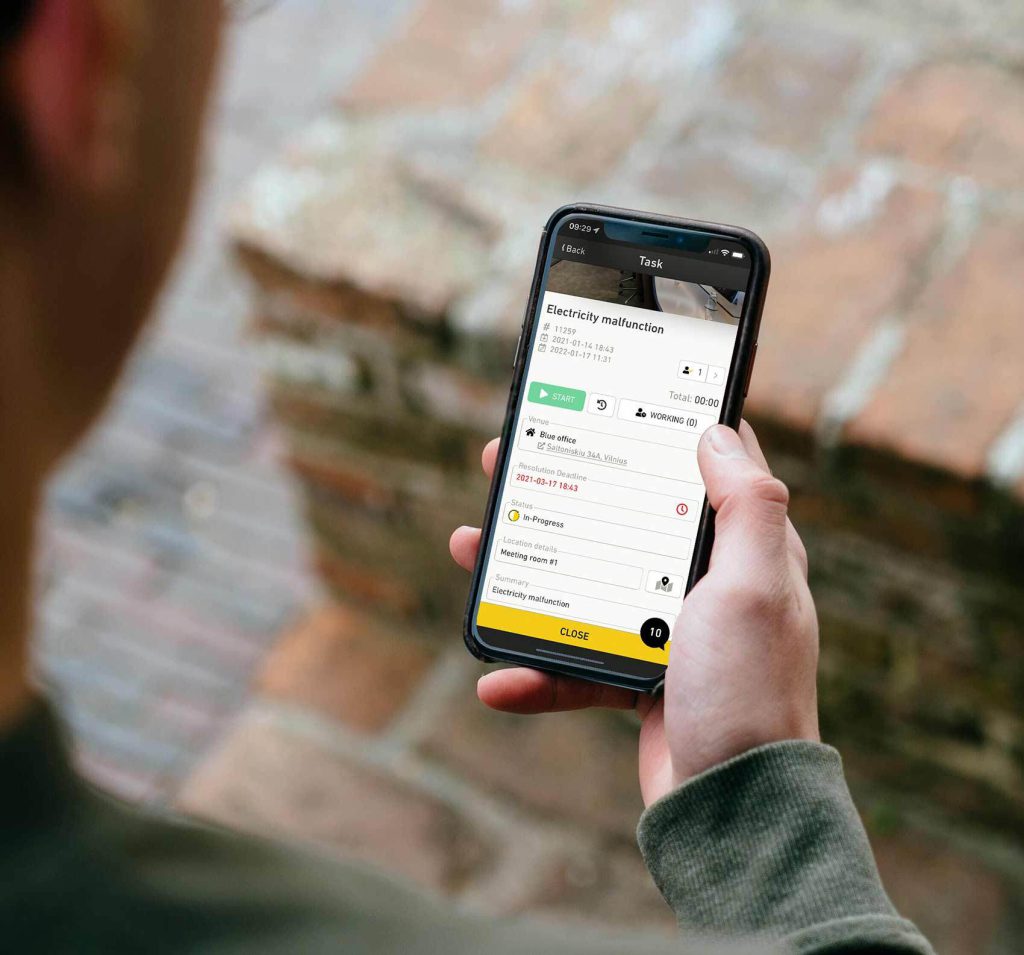
Rather than relying on spreadsheets, whiteboards, or phone calls, dispatchers can view technician availability in real time, assign work based on location and skill set, and monitor every job from a central dashboard. Many platforms also provide mobile apps so technicians can receive work orders, capture photos, collect customer signatures, and update job statuses while on site.
Most modern HVAC dispatch platforms go beyond scheduling alone. They often include preventive maintenance scheduling, customer and asset management, invoicing, reporting, inventory management, and service history, allowing businesses to manage their entire field service operation from one system.
Best HVAC dispatch software comparison
| Software | Best for | Free trial | Starting price |
| Einpix | Best all-round HVAC dispatch software | ✅ 14 days | From €12/user/month (5-user minimum) |
| Housecall Pro | Residential HVAC businesses | ✅ | From $59/user/month |
| Jobber | Small HVAC contractors | ✅ 14 days | From $49/month |
| ServiceTitan | Enterprise HVAC companies | Demo | Custom |
| FieldPulse | Growing HVAC businesses | ✅ 14 days | Custom |
| Service Fusion | Easy-to-use HVAC dispatch software | Demo | From $245/month |
| Workiz | AI-powered customer communication | ✅ | Unlisted |
| simPRO | Complex commercial HVAC projects | Demo | Custom |
| Zuper | Automated HVAC workflows | Demo | Custom |
| BuildOps | Commercial HVAC contractors | Demo | Custom |
| Microsoft Dynamics 365 Field Service | Microsoft-based HVAC businesses | ✅ | From $105/user/month |
1. Einpix – Best all-round HVAC dispatch software
What is it?
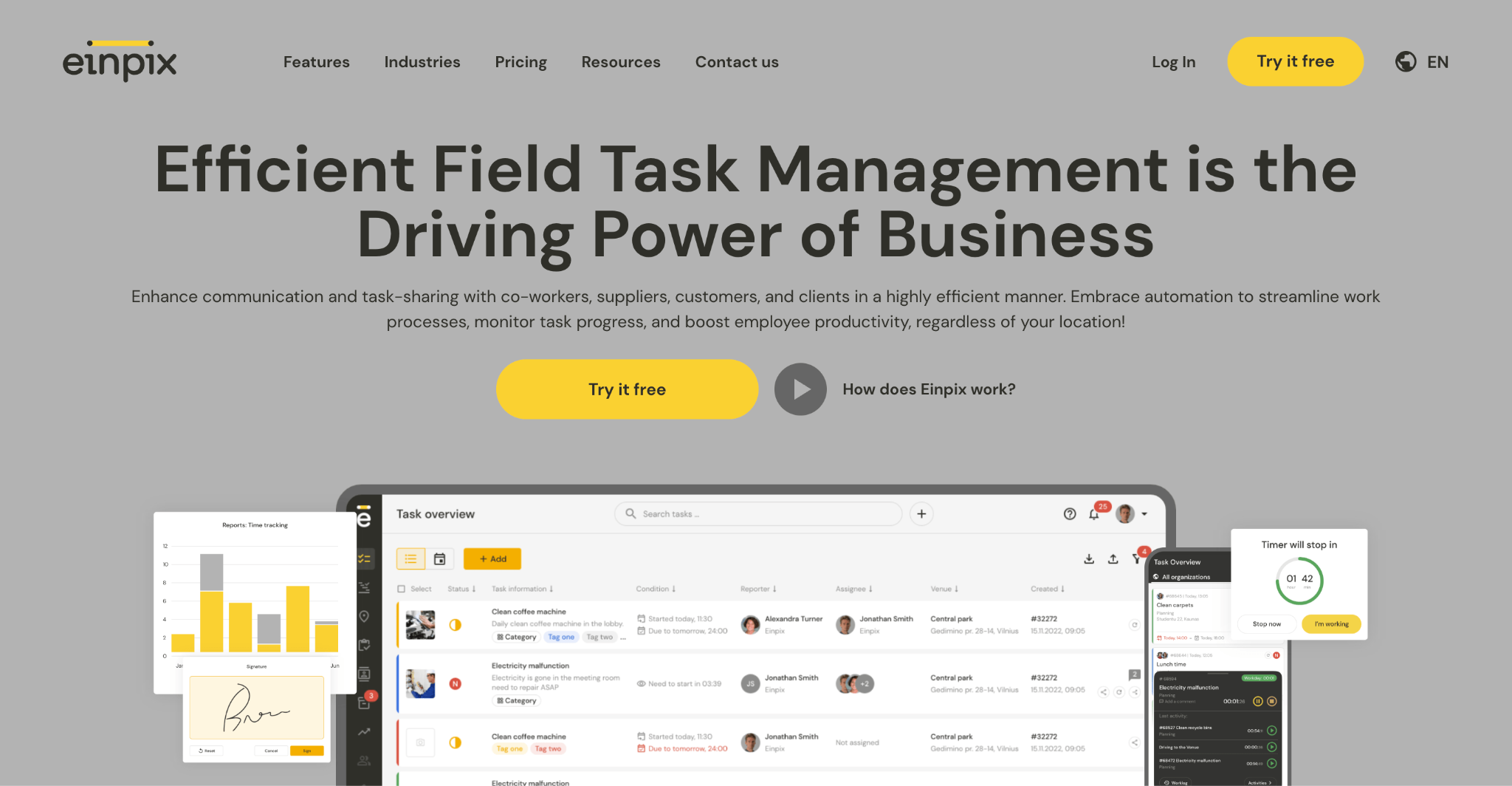
Einpix is a field service management platform that combines HVAC dispatching, scheduling, preventive maintenance, asset management, technician mobile apps, digital service documentation, and reporting in one connected workflow. It's designed for growing field service businesses that want to replace disconnected spreadsheets and manual processes with a single, easy-to-use system.
Key features
- Drag-and-drop scheduling – Quickly assign and reschedule jobs from a visual planning board.
- Emergency dispatching – Send the nearest available technician to urgent callouts.
- Preventive maintenance – Automate recurring maintenance visits and service plans.
- Mobile technician app – Engineers can access work orders, upload photos, complete checklists, and collect digital signatures from the field.
- Asset management – Store equipment history, maintenance records, and QR-coded assets in one place.
Pricing
Starts from €12 per user/month (minimum five users). Includes a 14-day free trial.
👉 Start your 14-day Einpix free trial today!
Pros
- Excellent combination of dispatching, preventive maintenance, and asset management.
- Modern, offline-capable mobile app designed for field technicians.
- Connected workflow covering field engineer scheduling, execution, documentation, and reporting.
Cons
- Best suited for teams with 5+ users (entry plan minimum).
2. Housecall Pro – Best for residential HVAC businesses
What is it?
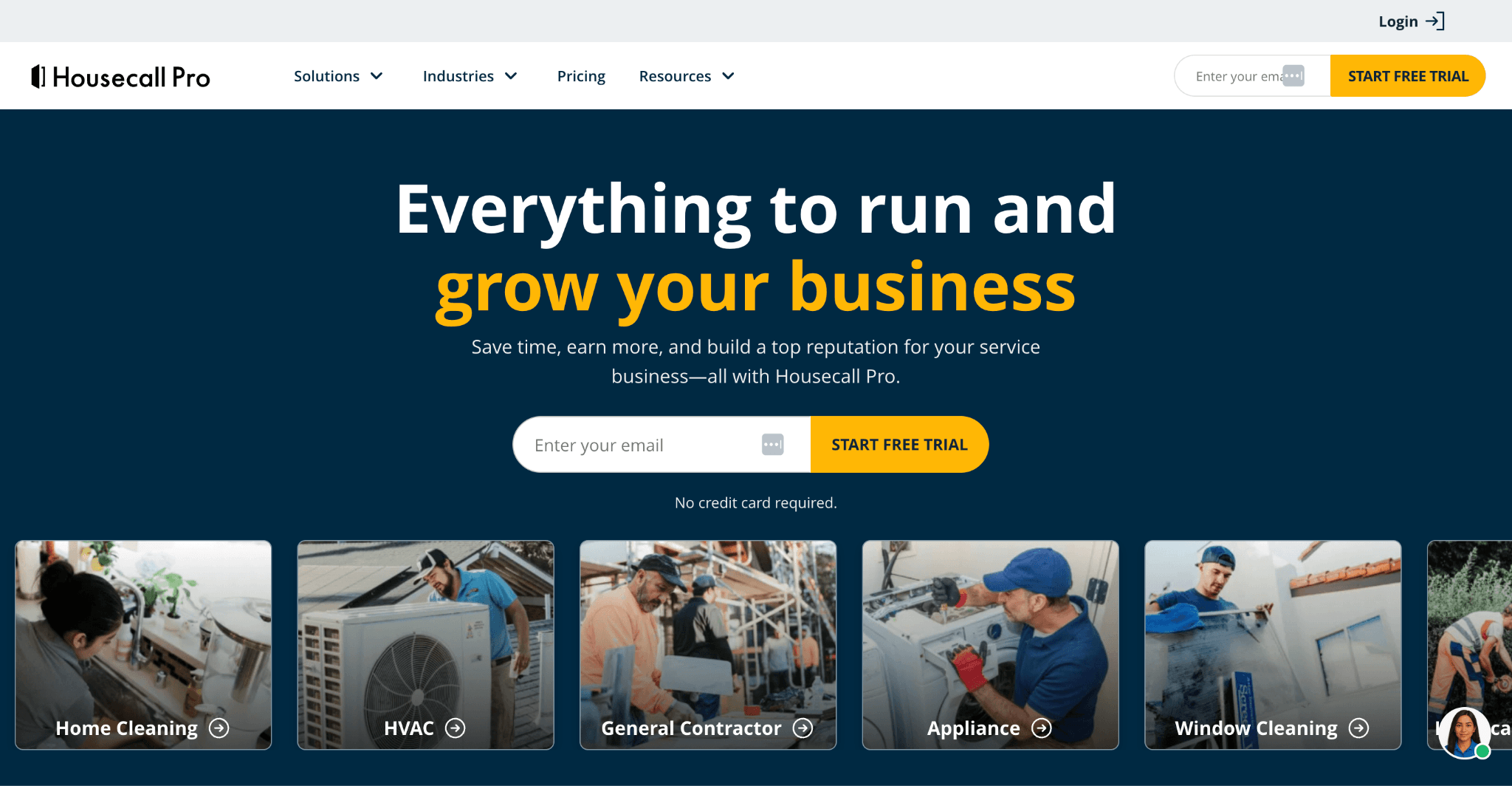
Housecall Pro is an all-in-one field service platform built primarily for residential service businesses. Alongside HVAC dispatching, it includes online booking, invoicing, estimates, customer communication, and payment processing, making it a popular choice for contractors managing high volumes of residential service calls.
Key features
- Scheduling & dispatching – Assign technicians, reschedule jobs, and monitor daily workloads.
- Customer communication – Send automated appointment reminders and technician ETAs.
- Mobile app – Manage jobs, invoices, payments, and customer information from the field.
- Online booking – Allow customers to book appointments through your website.
- Payments & invoicing – Generate invoices and accept payments on site.
Pricing
Housecall Pro’s website doesn’t include any pricing information, but G2 lists a range of plans from $59 – $299+ per user per month.
Pros
- Easy to use for residential service businesses.
- Strong customer communication features.
- Combines dispatching, invoicing, payments, and booking in one platform.
Cons*
- Limited customization and some missing features, particularly around scheduling, reporting, and industry-specific workflows.
- Pricing can become expensive for smaller HVAC businesses as additional users and features are added.
- The mobile app and reporting experience could be more consistent, with some users also wanting clearer communication around add-on services.
*All cons drawn from top disadvantages highlighted by G2 users.
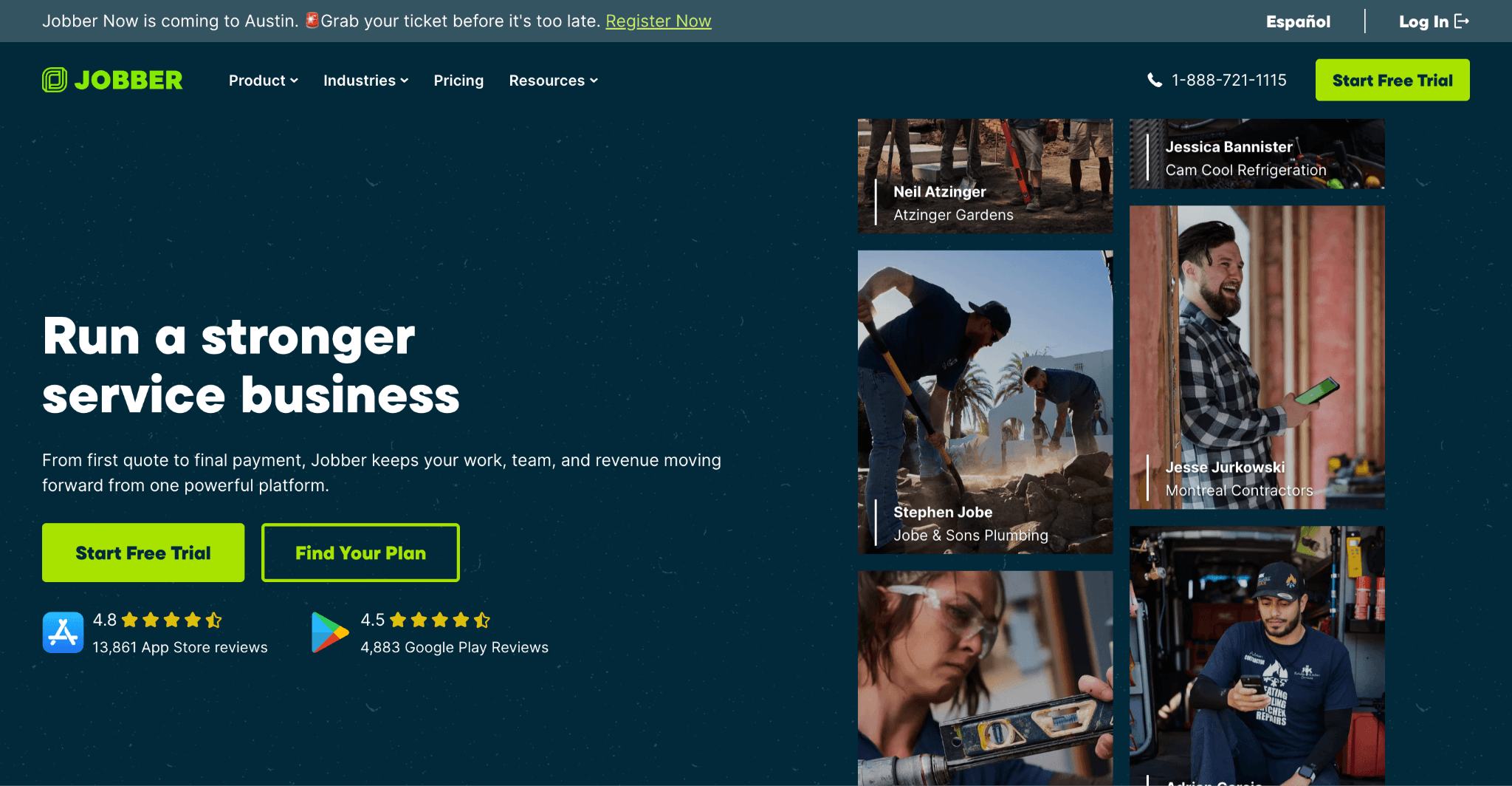
3. Jobber – Best for small HVAC contractors
What is it?
Jobber is a field service management platform designed for small service businesses that want a simple way to schedule jobs, dispatch technicians, send quotes, invoice customers, and get paid. Its intuitive interface and quick setup make it a popular choice for independent HVAC contractors and smaller teams looking to replace manual scheduling.
Key features
- Scheduling & dispatching – Assign jobs, optimize daily routes, and manage technician schedules from one dashboard.
- Quotes & invoicing – Create professional quotes, convert them into jobs, and send invoices after work is complete.
- Customer management – Store customer information, job history, and service notes in one place.
- Mobile app – Technicians can view work orders, update job statuses, collect signatures, and accept payments on site.
- Online booking – Allow customers to request appointments through your website.
Pricing
Starts from $49/month on a rolling monthly contract. A 14-day free trial is available.
Pros
- Easy to learn and quick to implement.
- Excellent for smaller HVAC contractors with straightforward workflows.
- Combines scheduling, invoicing, customer management, and payments in one platform.
Cons*
- Limited functionality in some areas, with users wanting more built-in features instead of relying on paid upgrades or workarounds.
- Reporting, job management, time tracking, and cost analysis could be more flexible for growing businesses.
- Maintenance agreement workflows and invoicing options have room for improvement.
*All cons drawn from top disadvantages highlighted by G2 users.
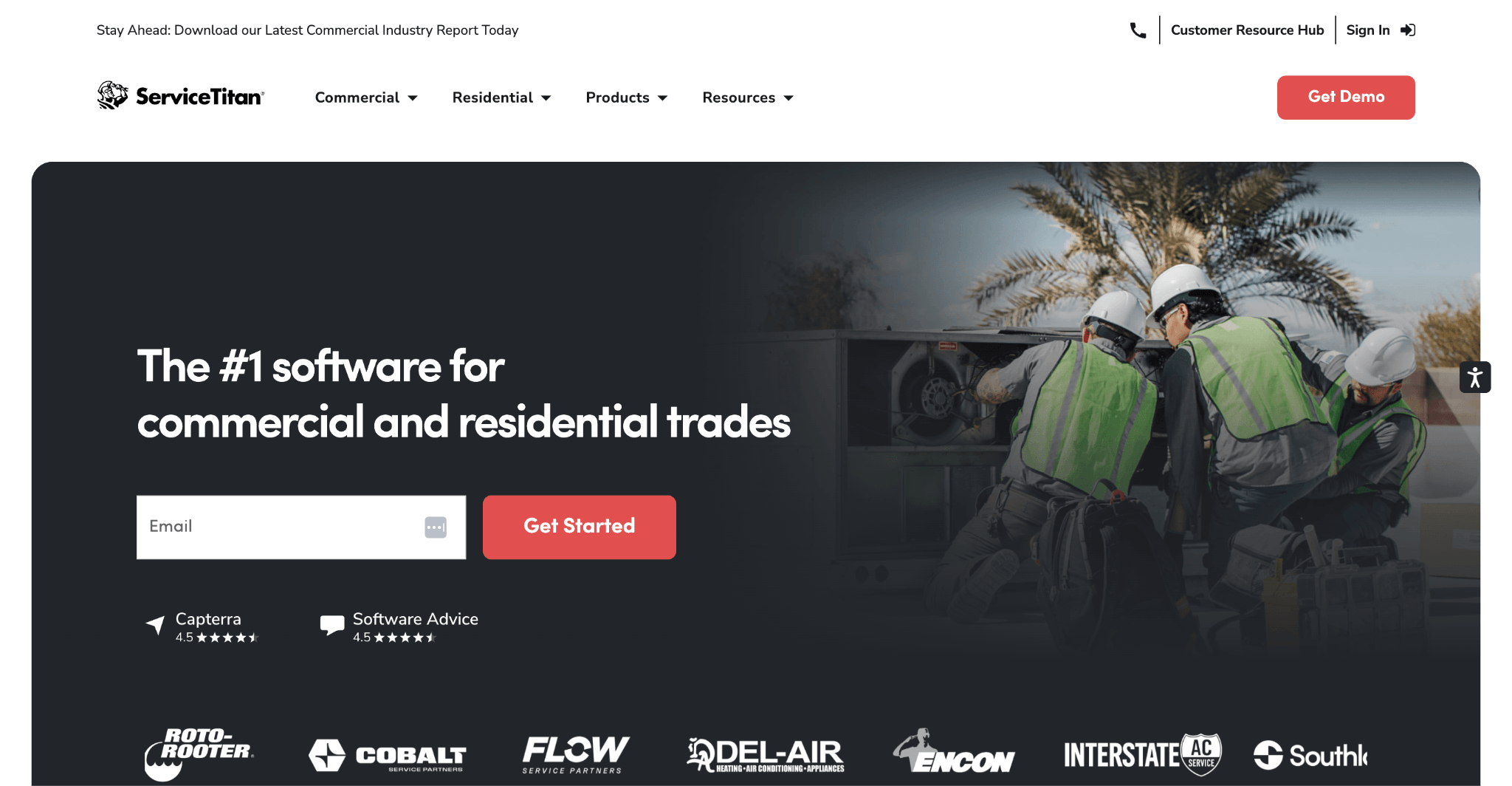
4. ServiceTitan – Best for enterprise HVAC companies
What is it?
ServiceTitan is one of the best-known field service platforms for larger HVAC, plumbing, electrical, and home service businesses. It combines dispatching, scheduling, sales tools, customer management, inventory, reporting, and marketing features in a single platform, making it well suited to organisations managing multiple crews and high job volumes.
Key features
- Advanced dispatching – Schedule technicians based on availability, skills, and location using a live dispatch board.
- Call booking & customer management – Manage incoming calls, customer records, and job history from one platform.
- Sales & estimating – Create professional estimates and present financing options in the field.
- Inventory management – Track equipment, materials, and warehouse stock across multiple locations.
- Business reporting – Monitor technician performance, revenue, and operational KPIs through detailed dashboards.
Pricing
Custom pricing available on request.
Pros
- Comprehensive platform for large HVAC businesses.
- Strong reporting, sales, and operational management features.
- Highly scalable as businesses grow.
Cons*
- Steep learning curve, with new users often requiring significant training during implementation.
- Some features—including scheduling tools—could be improved, with users also reporting occasional bugs and workarounds for certain workflows.
- Customer support receives mixed reviews, with some users citing slow responses, misinformation, and difficulties resolving issues.
*All cons drawn from top disadvantages highlighted by G2 users.
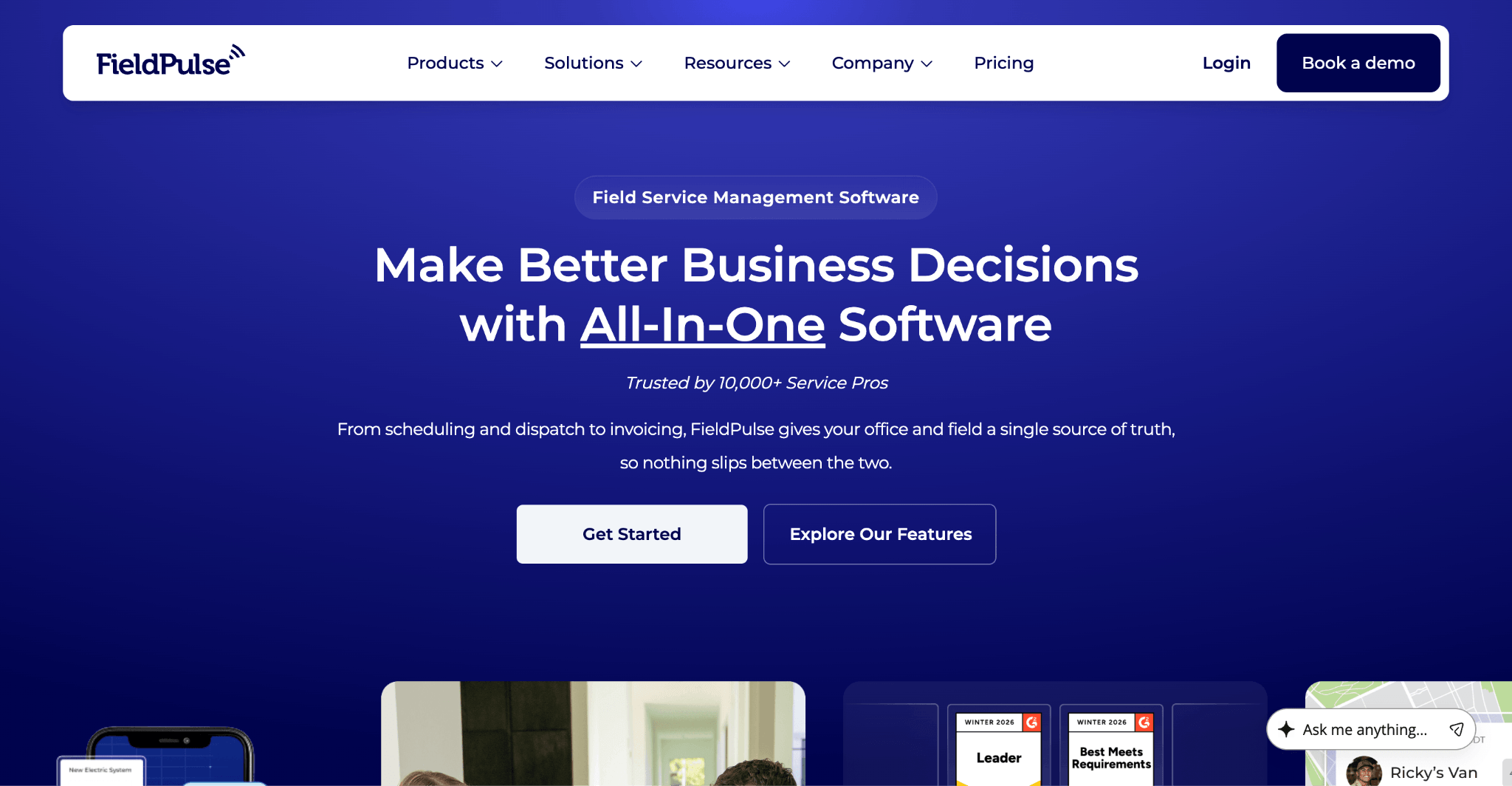
5. FieldPulse – Best for growing HVAC businesses
What is it?
FieldPulse is a cloud-based field service management platform built for growing trade businesses. It combines scheduling, dispatching, estimates, invoicing, customer management, inventory tracking, and preventive maintenance, helping HVAC companies manage more jobs without significantly increasing administrative work.
Key features
- Scheduling & dispatching – Assign technicians, track jobs, and manage daily workloads from a central dashboard.
- Preventive maintenance – Automate recurring maintenance visits and long-term service agreements.
- Estimates & invoicing – Create quotes, generate invoices, and process payments from one platform.
- Inventory management – Monitor equipment, materials, and parts across jobs.
- Mobile app – Give technicians access to work orders, customer information, and job updates from the field.
Pricing
Custom pricing available. A 14-day free trial is available.
Pros
- Strong balance of scheduling, customer management, and preventive maintenance.
- Easy-to-use mobile app for field technicians.
- Well suited to businesses scaling beyond manual processes.
Cons*
- Limited customization and some feature gaps, particularly around CRM, booking, and workflow flexibility.
- Reporting and platform updates could be more polished, with some users finding setup more cumbersome than expected.
- Steeper learning curve than expected, especially when configuring the platform for the first time.
*All cons drawn from top disadvantages highlighted by G2 users.
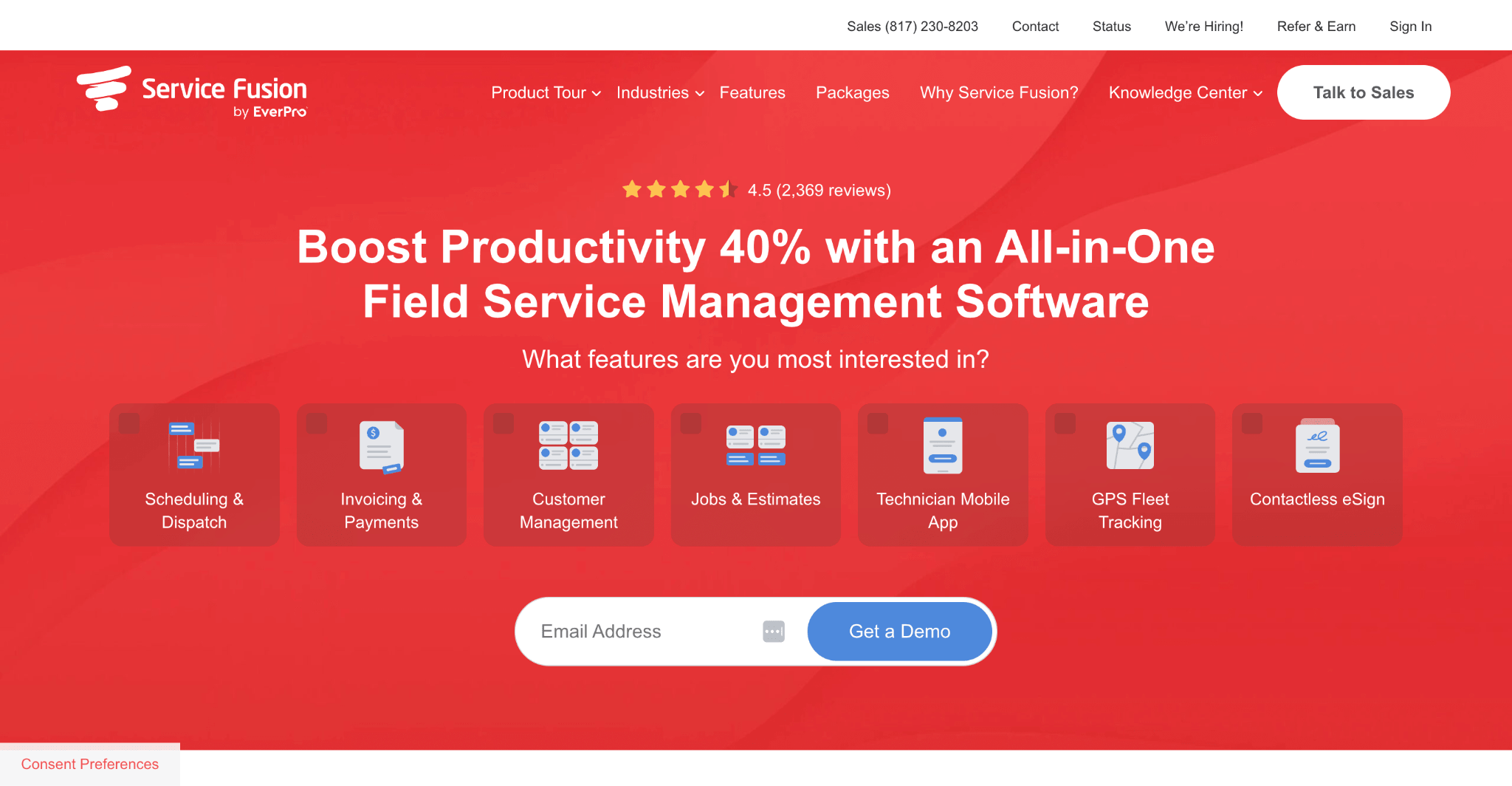
6. Service Fusion – Best easy-to-use HVAC dispatch software
What is it?
Service Fusion is a cloud-based field service management platform built for service businesses that want straightforward scheduling, dispatching, invoicing, and customer management without the complexity of larger enterprise systems. Its intuitive interface and quick implementation make it a popular option for small to mid-sized HVAC businesses looking to streamline daily operations.
Key features
- Scheduling & dispatching – Assign technicians, manage daily schedules, and monitor job progress from a central dashboard.
- Customer management – Store customer records, equipment details, and service history in one place.
- Estimates & invoicing – Generate quotes, create invoices, and process customer payments.
- GPS fleet tracking – View technician locations and optimize routes throughout the day.
- Mobile app – Give technicians access to work orders, customer information, and job updates while in the field.
Pricing
Service Fusion prices range from $245 – $627 per month. Each plan includes unlimited users.
Pros
- Easy to learn and navigate for both dispatchers and field technicians.
- Combines scheduling, dispatching, invoicing, and customer management in one platform.
- Straightforward setup compared with many enterprise-focused alternatives.
Cons*
- Integration limitations can lead to manual processes and extra administrative work.
- Inventory management, invoicing, and other operational workflows have room for improvement.
- Some users feel the platform is expensive for the functionality provided, while customer support receives mixed reviews.
*All cons drawn from top disadvantages highlighted by G2 users.
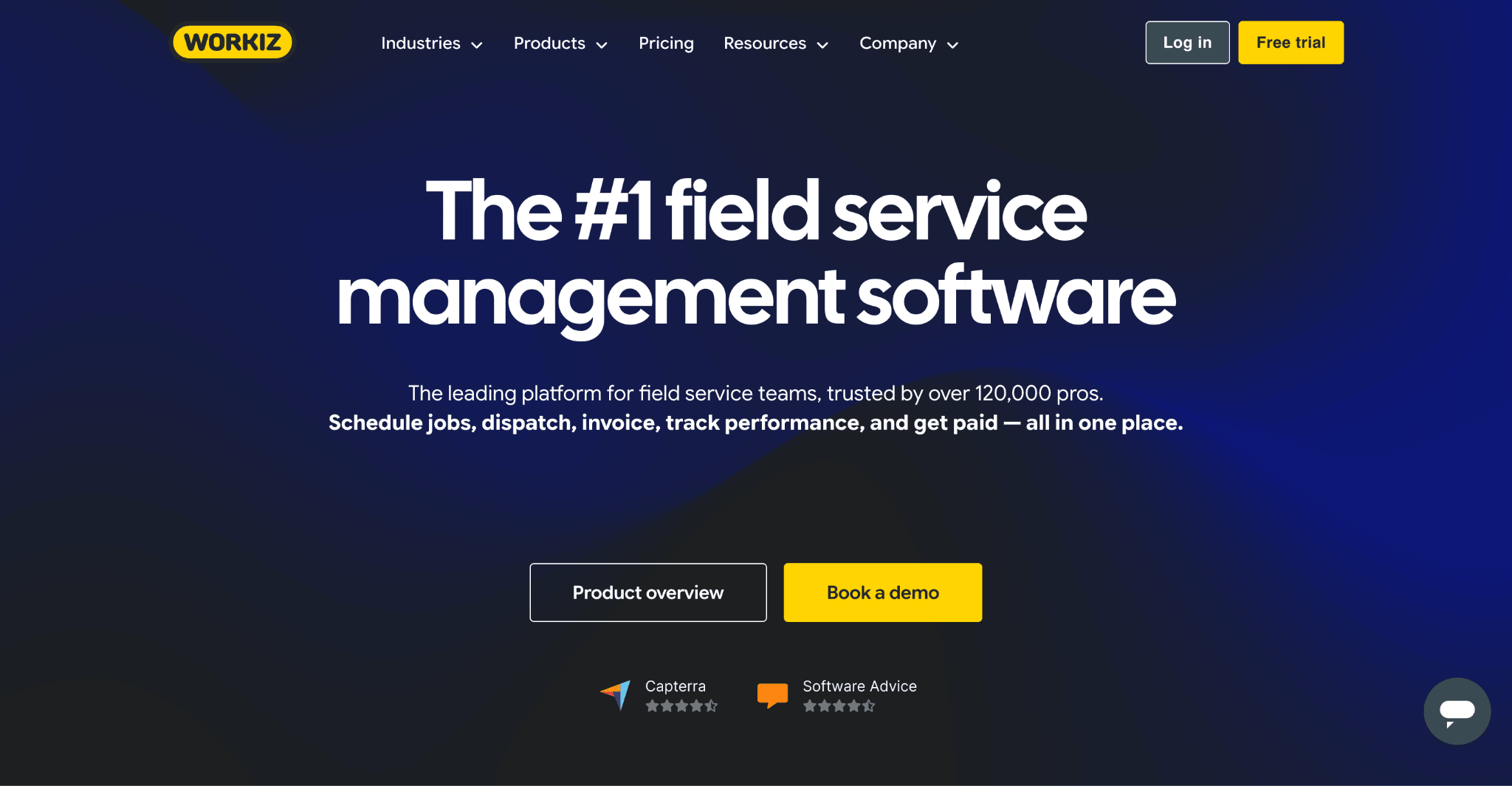
7. Workiz – Best for AI-powered customer communication
What is it?
Workiz is a field service management platform designed for home service businesses that want to combine dispatching with AI-powered customer communication. Alongside scheduling and work order management, it includes AI call handling, online booking, invoicing, and payment processing, helping HVAC businesses manage customer interactions more efficiently.
Key features
- Scheduling & dispatching – Assign technicians, manage workloads, and track job progress in real time.
- AI communication tools – Automate customer calls, appointment booking, and routine enquiries using AI.
- Online booking – Let customers schedule appointments through your website.
- Estimates & invoicing – Create quotes, send invoices, and accept payments from one platform.
- Mobile app – Technicians can access work orders, update job statuses, and capture job information on site.
Pricing
Pricing is unlisted, but adding extra team members costs $55+ per user per month, depending on your plan.
Pros
- AI-powered customer communication helps reduce administrative work.
- Easy-to-use scheduling and dispatch tools.
- Strong combination of field service management and customer engagement features.
Cons*
- Limited customization options, with some users finding certain workflows and interface quirks restrictive.
- Pricing can be expensive, particularly once additional features or services are added.
- The mobile app and initial setup could be more intuitive, with some users reporting a learning curve around automations and templates.
*All cons drawn from top disadvantages highlighted by G2 users.
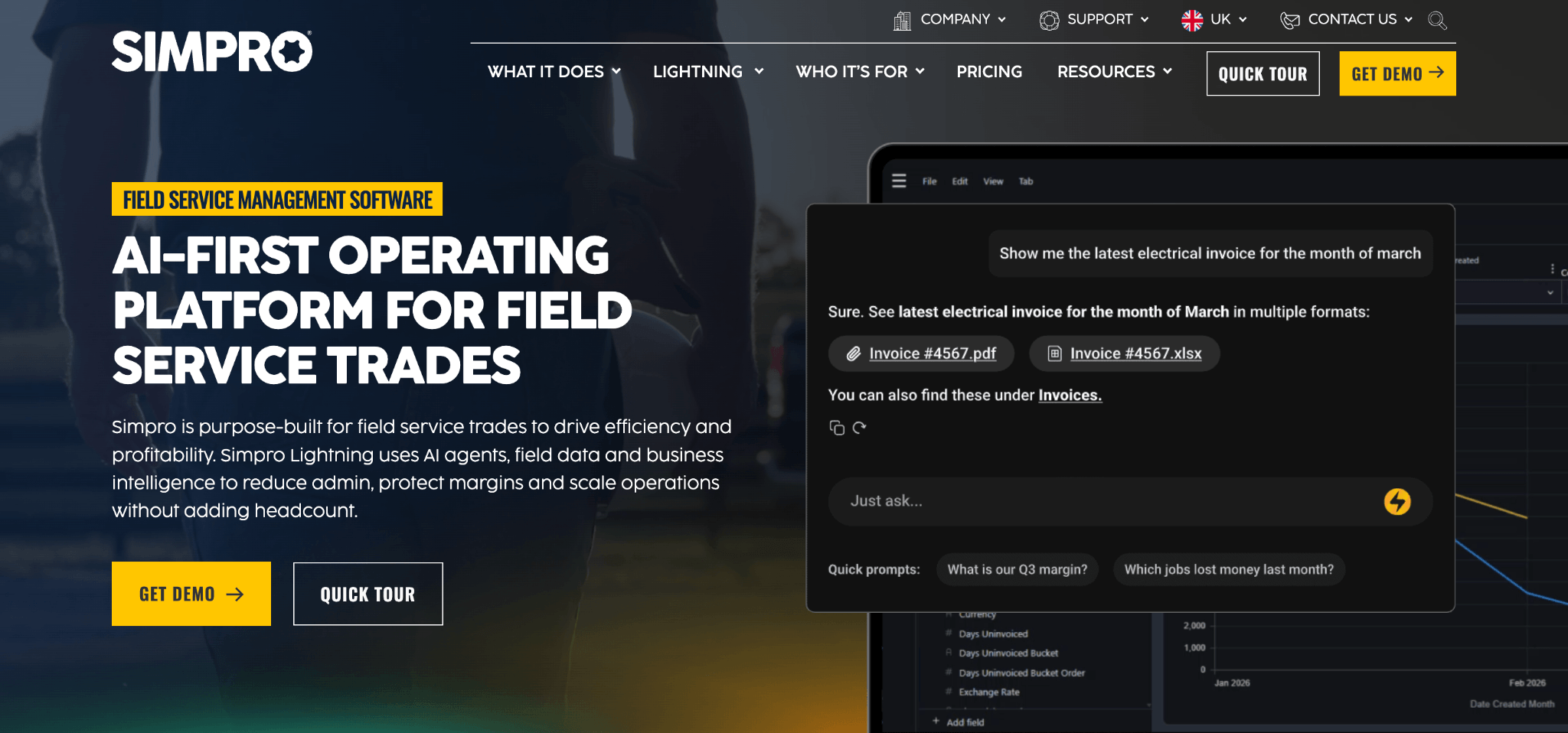
8. simPRO – Best for complex commercial HVAC projects
What is it?
simPRO is an enterprise field service management platform built for commercial trade contractors managing complex projects and ongoing maintenance contracts. It combines dispatching, scheduling, project management, inventory control, asset management, and financial reporting, making it particularly well suited to larger HVAC businesses handling multiple teams and customer sites.
Key features
- Scheduling & dispatching – Coordinate technicians across reactive service work and planned maintenance.
- Project management – Manage large installation projects alongside day-to-day service operations.
- Inventory management – Track equipment, materials, purchasing, and warehouse stock.
- Preventive maintenance – Automate recurring maintenance schedules and long-term service contracts.
- Business reporting – Monitor profitability, technician utilisation, and project performance.
Pricing
Custom pricing available on request.
Pros
- Excellent for managing complex commercial HVAC projects and maintenance contracts.
- Strong inventory, project management, and asset tracking capabilities.
- Highly configurable for larger field service businesses.
Cons*
- Steep learning curve, with significant setup and staff training often required.
- Initial implementation and workflow configuration can be time-consuming.
- The platform's extensive feature set may feel overwhelming for smaller teams.
*All cons drawn from top disadvantages highlighted by G2 users.
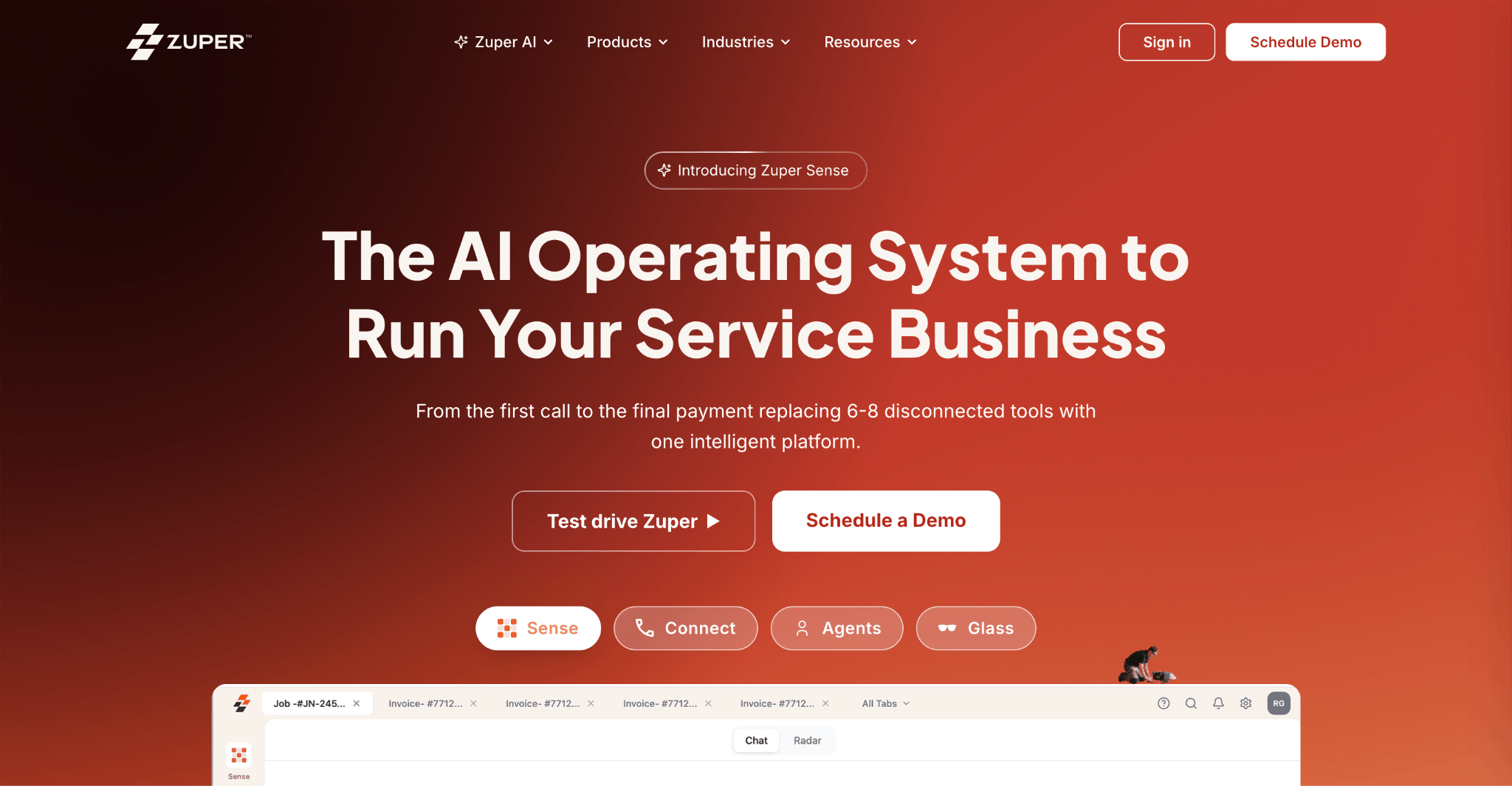
9. Zuper – Best for automated HVAC workflows
What is it?
Zuper is a field service management platform that focuses on workflow automation and operational efficiency. It helps HVAC businesses automate scheduling, dispatching, work order management, preventive maintenance, and customer communication, while integrating with a wide range of CRM, ERP, and accounting systems.
Key features
- Workflow automation – Automate dispatching, job assignments, approvals, and recurring service tasks.
- Scheduling & dispatching – Manage technician availability and assign work from a central dispatch board.
- Preventive maintenance – Schedule recurring maintenance visits and manage customer assets.
- Mobile app – Give technicians access to work orders, customer information, and digital forms from the field.
- Third-party integrations – Connect with CRM, ERP, accounting, and business management software.
Pricing
Custom pricing available on request.
Pros
- Powerful automation capabilities reduce repetitive administrative work.
- Highly configurable to suit different HVAC workflows.
- Strong integration ecosystem for growing service businesses.
Cons*
- Some users report bugs and feature limitations, particularly around purchase orders and time entry.
- Initial setup can be complex, with a noticeable learning curve for first-time users.
- Customization and integrations can take time to configure, and some users report occasional performance issues.
*All cons drawn from top disadvantages highlighted by G2 users.
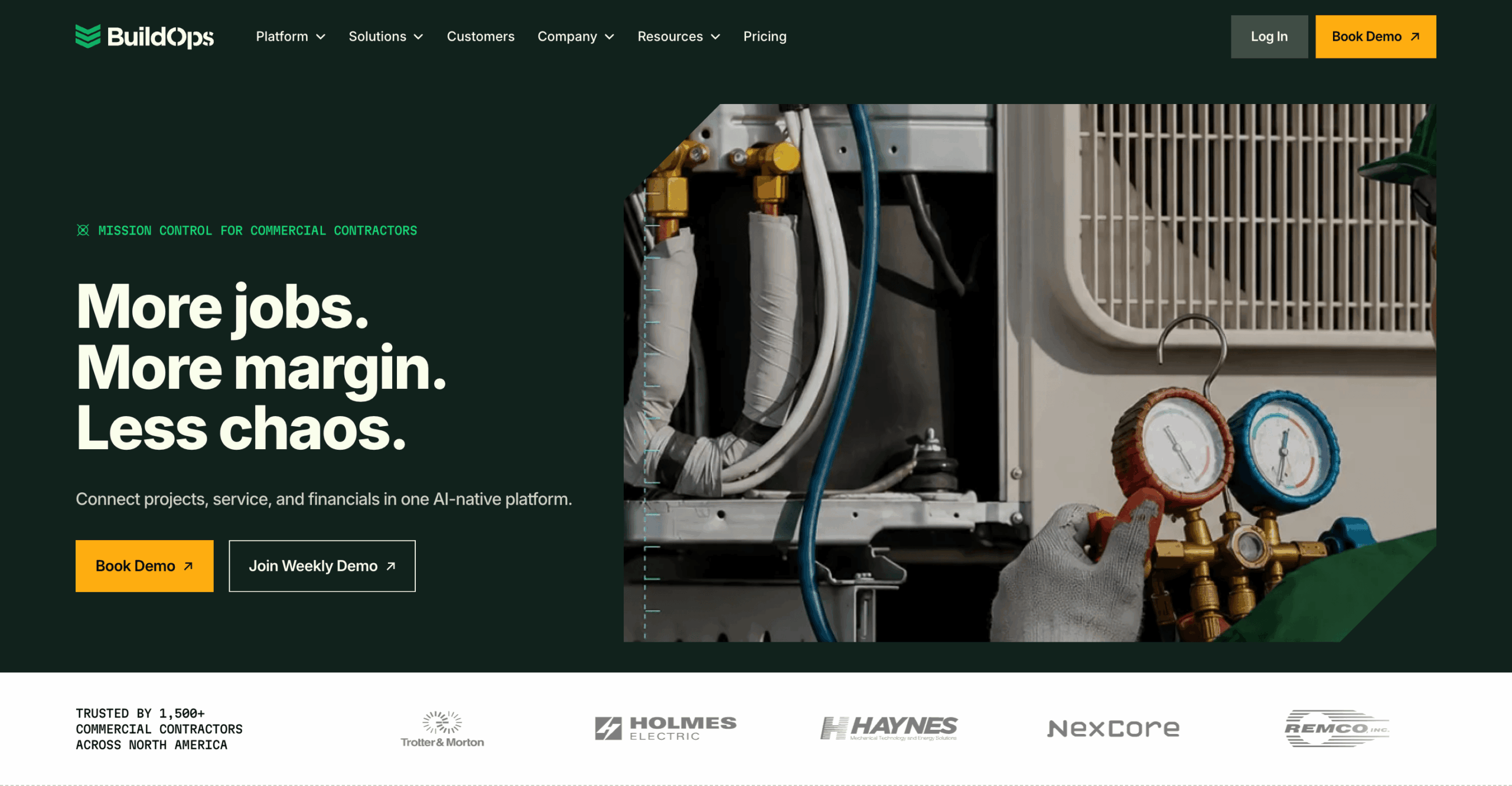
10. BuildOps – Best commercial HVAC dispatch software
What is it?
BuildOps is a field service management platform purpose-built for commercial contractors. Designed with larger HVAC businesses in mind, it combines dispatching, preventive maintenance, project management, asset tracking, quoting, and reporting in one system. It's particularly well suited to companies managing multiple technicians, large customer portfolios, and complex service agreements.
Key features
- Advanced dispatching – Schedule technicians, optimise workloads, and manage reactive and planned work from a live dispatch board.
- Preventive maintenance – Automate recurring maintenance schedules, service agreements, and customer asset inspections.
- Project management – Manage larger installation projects alongside day-to-day service work from the same platform.
- Asset management – Track equipment histories, warranties, maintenance records, and site documentation.
- Business reporting – Monitor technician productivity, maintenance performance, profitability, and operational KPIs.
Pricing
Custom pricing available on request.
Pros
- Purpose-built for commercial HVAC contractors.
- Excellent preventive maintenance and asset management capabilities.
- Strong project management alongside reactive service dispatching.
Cons*
- Steep learning curve, with some users finding the platform unintuitive during initial onboarding.
- Some features—including purchase orders, integrations, and data management—could be more comprehensive.
- Limited customization and occasional update-related performance issues can affect certain workflows.
*All cons drawn from top disadvantages highlighted by G2 users.
11. Microsoft Dynamics 365 Field Service – Best for Microsoft-based HVAC businesses
What is it?
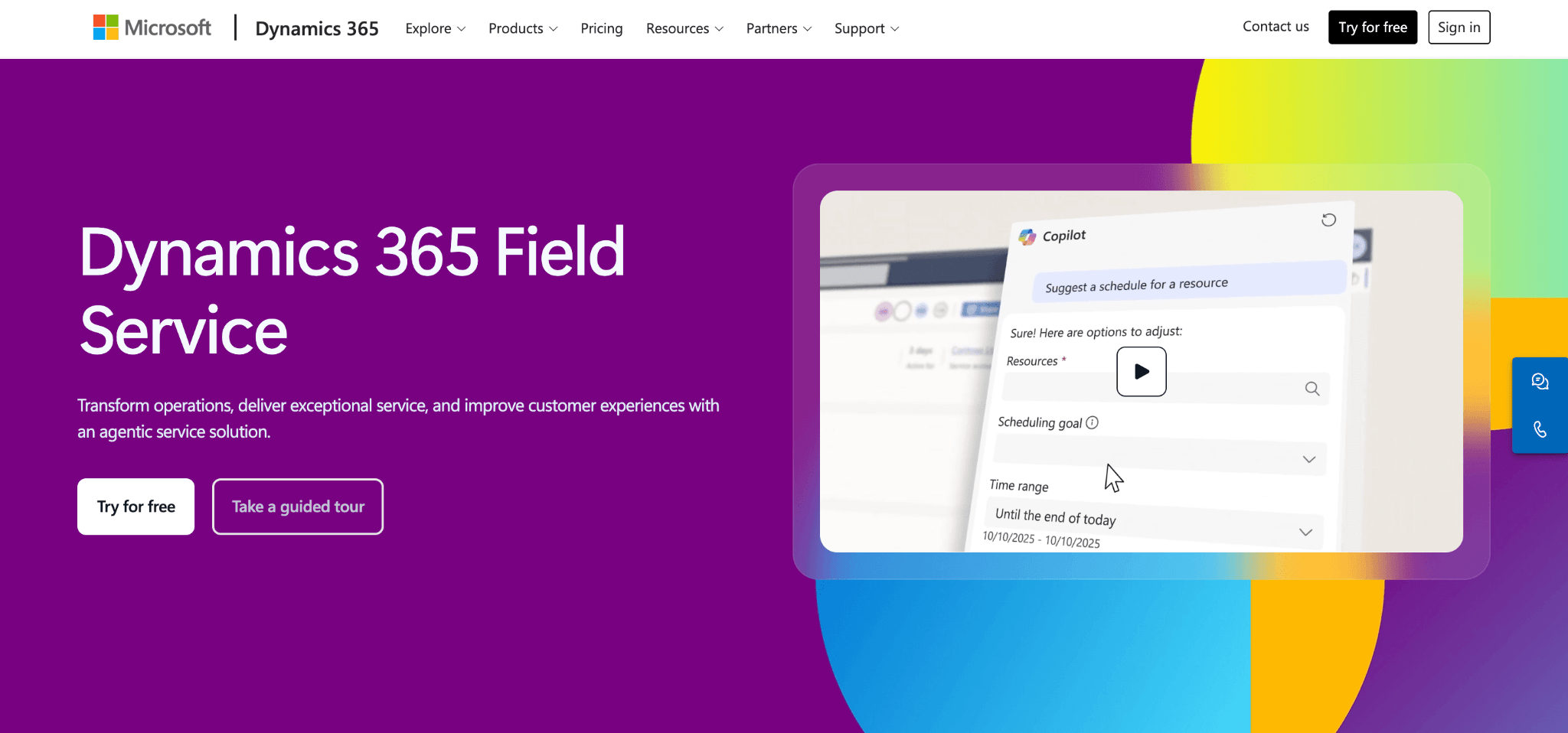
Microsoft Dynamics 365 Field Service is an enterprise field service management platform that helps HVAC businesses schedule technicians, manage work orders, automate preventive maintenance, and monitor field operations. As part of the wider Microsoft Dynamics 365 ecosystem, it's particularly well suited to organisations already using Microsoft products such as Dynamics 365 CRM, Business Central, and Microsoft 365.
Key features
- Intelligent scheduling & dispatching – Assign technicians based on availability, skills, and location using AI-assisted scheduling tools.
- Work order management – Create, assign, and track work orders from initial request through to job completion.
- Preventive maintenance – Automate recurring maintenance schedules and manage customer assets throughout their lifecycle.
- Mobile app – Engineers can access work orders, capture photos, update job statuses, and complete service tasks from the field.
- Microsoft ecosystem integration – Connect with Dynamics 365, Microsoft 365, Power BI, and Power Platform for unified business operations.
Pricing
Starts from $105 per user/month. A free trial is available.
Pros
- Excellent integration with the wider Microsoft ecosystem.
- Powerful scheduling and work order management capabilities.
- Highly scalable for larger HVAC businesses and enterprise service teams.
Cons*
- Higher cost than many dedicated HVAC dispatch platforms.
- Complex implementation and setup can require significant time and planning.
*All cons drawn from top disadvantages highlighted by G2 users.
Features to look for in HVAC dispatch software
- Smart scheduling & dispatching – Look for software that assigns jobs based on technician availability, location, skills, and workload. Features like drag-and-drop scheduling, route optimization, and emergency dispatching help reduce travel time and improve response times.
- Mobile technician app – Engineers should be able to view work orders, update job statuses, upload photos, collect customer signatures, and access service history from their mobile devices. Offline access is particularly useful when working in areas with poor signal.
- Preventive maintenance management – The best platforms automate recurring maintenance schedules, service agreements, and reminders, helping reduce equipment downtime and generate repeat revenue.
- Customer & asset history – Technicians should have instant access to previous service visits, installed equipment, warranties, maintenance records, and customer notes before arriving on site.
- Invoicing & reporting – Many HVAC dispatch platforms also generate invoices, service reports, and business analytics, helping you monitor technician productivity, job completion times, and overall business performance.
Benefits of HVAC dispatch software
- Reduce travel time – Automatically assigning jobs to nearby technicians helps minimise unnecessary driving and fuel costs.
- Respond faster to emergency callouts – Dispatchers can quickly identify available engineers and send the closest qualified technician.
- Increase first-time fix rates – Giving technicians access to customer history, equipment records, and previous jobs helps them arrive better prepared.
- Improve customer communication – Automated appointment reminders, technician ETAs, and digital service reports keep customers informed throughout every job.
- Automate routine admin – Scheduling, invoicing, reporting, and maintenance reminders can all be handled automatically, freeing office staff for higher-value work.
- Grow without adding complexity – As your HVAC business expands, dispatch software helps coordinate larger teams, more customers, and higher job volumes without relying on spreadsheets.
How to choose the right HVAC dispatch software
The right platform depends largely on the size of your business and the type of work you carry out.
If you're a smaller residential contractor, ease of use and quick setup may matter more than advanced customization. Growing businesses often benefit from software that combines dispatching with preventive maintenance, customer management, and mobile field apps in a single platform. Larger commercial contractors typically need more advanced scheduling, asset management, reporting, and integration capabilities.
It's also worth considering how the software fits into your existing workflow. If you're already using accounting software, CRM tools, or ERP systems, check which integrations are available before committing.
Finally, don't focus solely on dispatching. Many modern HVAC platforms include work order management, digital service reports, preventive maintenance, invoicing, and customer communication, allowing you to manage your entire field service operation from one system.
FAQs
What is HVAC dispatch software?
HVAC dispatch software helps heating, ventilation, and air conditioning businesses schedule jobs, assign technicians, manage work orders, and monitor field operations from a central platform.
What is the best HVAC dispatch software?
The best choice depends on your business size and requirements. For an all-round solution, Einpix combines dispatching, scheduling, preventive maintenance, asset management, mobile field apps, and reporting in a single platform.
Can HVAC dispatch software reduce travel time?
Yes. Most platforms use technician availability, skills, and location to assign jobs more efficiently, helping reduce unnecessary travel and fuel costs.
Is HVAC dispatch software suitable for small businesses?
Yes. Many platforms are designed specifically for small and growing HVAC contractors, while others are better suited to larger commercial or enterprise organisations.
Does HVAC dispatch software include preventive maintenance?
Most modern HVAC dispatch platforms include preventive maintenance features that automate recurring service visits, maintenance schedules, and customer service agreements.
What are the most important tools for HVAC technicians?
Most HVAC technicians rely on a core set of tools to diagnose faults, service equipment, and complete installations safely and efficiently. These typically include a digital multimeter, manifold gauge set, vacuum pump, refrigerant recovery machine, leak detector, micron gauge, thermal imaging camera, and a range of hand tools and safety equipment.
👉 For a complete checklist, including what each tool does and when it's used, check out our ultimate HVAC tools list (with pictures) 🧰
Conclusion
The best HVAC dispatch software does far more than assign jobs. It helps your team respond faster, reduce travel time, improve first-time fix rates, and deliver a better customer experience while reducing administrative work.
For businesses looking for an all-round solution, Einpix offers an excellent balance of scheduling, dispatching, preventive maintenance, asset management, technician mobile tools, and reporting in one connected platform. Meanwhile, solutions like Housecall Pro, ServiceTitan, BuildOps, and Microsoft Dynamics 365 Field Service each cater to different business sizes and operational requirements.
Most providers offer a free trial or demo, so it's worth testing a shortlist with your own dispatchers and technicians before making a final decision.